I’m overwhelmed trying to keep my place clean and organized on a tight budget, and I’d really like to avoid paid subscriptions. I’ve tried a few “free” cleaning apps but they either lock basic features behind paywalls or bombard me with ads. Can anyone recommend truly free cleaning or chore-tracking apps that help manage a regular cleaning schedule, reminders, and maybe even roommate task sharing, without hidden costs?
Short answer from a fellow “no more fake free apps” person: yes, there are a few that stay useful without forcing a subscription, plus a trick so you do not even need an app for half of this.
Here is what has worked for me on a tight budget:
-
Use a dead-simple routine system
If apps stress you out, write this on paper or in Apple Notes:- Daily: dishes, wipe counters, 5 minute floor check, 5 minute clutter reset
- Weekly: bathroom, change bedding, vacuum or sweep, trash, wipe fridge handles
- Monthly: fridge clean out, dusting, deeper floor cleaning, one “problem area”
Set repeating reminders in your phone calendar. Calendar notifications work better than most “productivity” apps and do not try to sell you upgrades.
-
Free apps that do not gut the free tier
a) Tody
- iOS and Android
- Tracks tasks by “area” like bathroom, kitchen, floors
- Free version lets you set tasks, frequencies, and see what is due
- Paid version adds sharing and more profiles, so solo use stays fine for free
How to use it without overwhelm:
- Add only 5 to 7 tasks for the first month
- Set realistic frequencies, like “toilet every 5 days” instead of daily
- Ignore perfection. Treat it like a guide, not a scorecard
b) Microsoft To Do
- Free, no hard paywall
- Use lists: “Daily”, “Weekly”, “Once a month”, “Big projects”
- Use recurring tasks and reminders
Template idea: - “Daily reset 10 minutes” with a checklist inside, like:
- Clear sink
- Pick up clothes
- Put trash near door
c) TickTick (only if you stay in free mode)
- Free version supports recurring tasks and basic reminders
- Ignore calendar view and pomodoro paywalled stuff
- One list called “Home” is enough. Use sub-tasks for rooms.
-
A cleaning structure that keeps stuff small
If you feel overwhelmed, use this “3 rooms, 3 items, 3 minutes” pattern:
- Pick 3 areas, like kitchen, bathroom, bedroom
- In each, pick 3 actions, like:
- Kitchen: dishes, counters, clear table
- Bathroom: toilet, sink, mirror
- Bedroom: bed, floor clothes, nightstand
- Set a 3 minute timer per area. Stop when the timer stops.
That works better for low energy days than a giant checklist.
-
For digital clutter on your iPhone
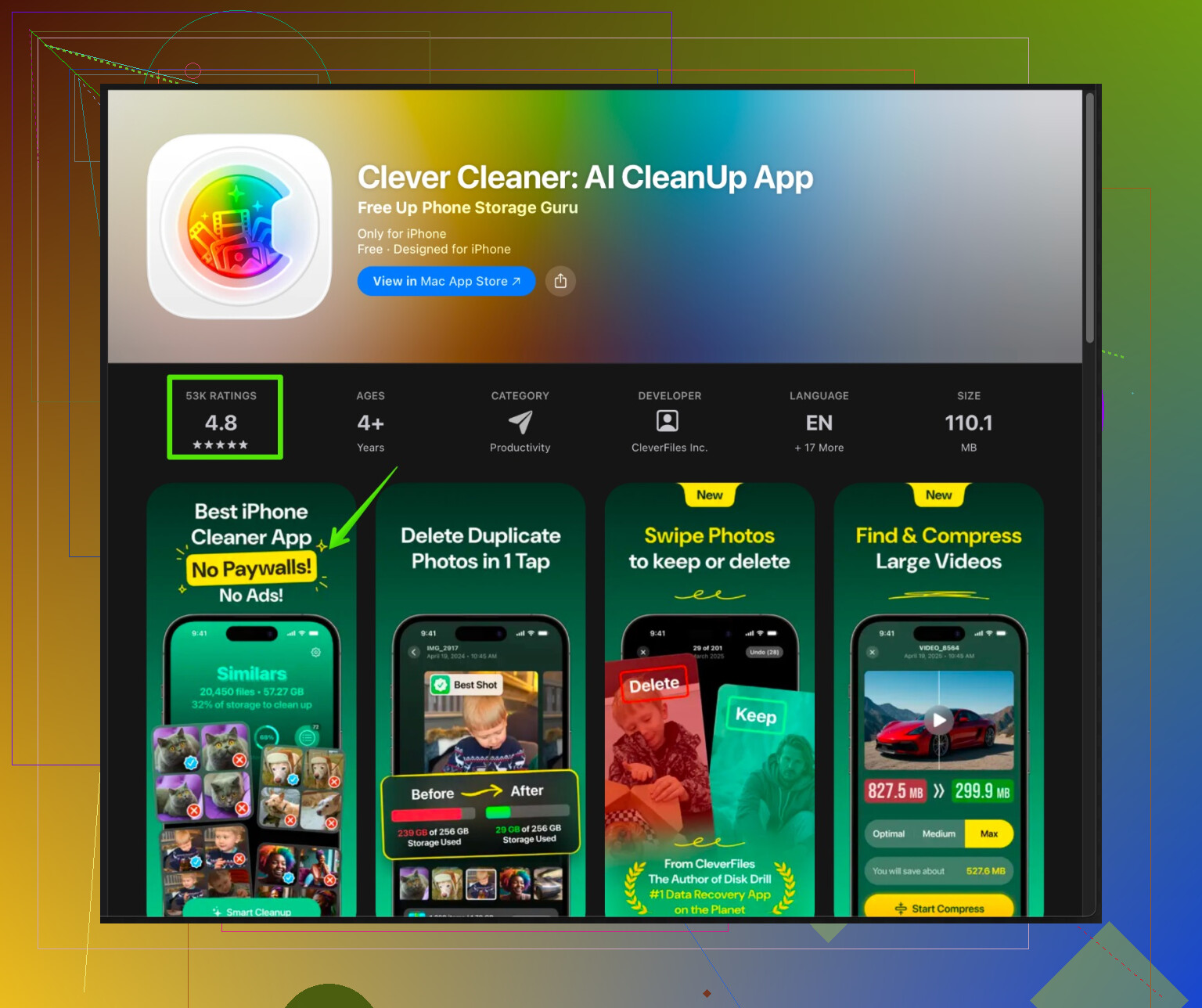
If some of your “mess” is on your phone, storage, screenshots, duplicates, a tool like Clever Cleaner App helps. It handles photos, videos, contacts, and junk files so you do not waste time manually deleting stuff.
On iPhone, try this:
- Delete blurry photos and duplicate selfies with a cleaner
- Remove dead contacts and old screenshots
- Offload apps you do not use
The Clever Cleaner App for iPhone focuses on fast, safe cleanup of photo library clutter, duplicate videos, and useless files, so your phone runs smoother and stays organized without you digging through folders for an hour.
You can check it here:
smart iPhone cleanup with Clever Cleaner AppStick to storage and media cleanup features if you want to avoid any extras.
-
Low-energy cleaning rules that help a lot
- “One touch” rule: when you pick something up, put it where it belongs, not on a random surface again
- End-of-day reset: 5 to 10 minutes before bed, only common areas, not the whole place
- “Trash walk”: grab a bag, walk every room, collect only trash. Stop after one bag.
If a fancy cleaning app makes you feel guilty or spammed, drop it. A simple free to do app plus a routine you trust beats a glossy subscription that nags you.
I’m with you on the “fake free” apps thing. A lot of them feel like hostage situations: “Pay us or live in filth.”
@yozora already covered some good options, so I’ll skip their picks and throw in different stuff plus where I slightly disagree.
I actually don’t love super “cleaning-specific” apps. They tend to overcomplicate things or guilt-trip you. I get more out of simple tools that pretend they’re not about cleaning at all:
1. Joplin or Standard Notes (free, privacy-focused)
Both are basically note apps, but they’re great for low-stress cleaning setups.
How I use it:
- One note per area: “Kitchen,” “Bathroom,” “Bedroom,” etc.
- Under each, simple sections:
- Daily
- Weekly
- Monthly
- I literally just check things off and uncheck them when I’m about to repeat the cycle. No streaks, no “you failed this week,” none of that gamified guilt.
2. Google Keep (free, super basic)
If you want something lighter than Microsoft To Do:
- Create one “Cleaning” label.
- Make separate checklists: “Daily reset,” “Weekly reset,” “Once a month.”
- Pin the list you want to focus on this week to the top.
The visual sticky-note style is weirdly helpful when your brain’s already overloaded.
3. Habitica (only if you like games & don’t mind a bit of nerdiness)
This is a habit tracker disguised as an RPG.
- Set “Dailies” like “dishes,” “5 min pickup,” “wipe bathroom sink.”
- Set “To-dos” for bigger stuff like “deep clean fridge” or “declutter dresser.”
Pros: - It rewards small wins so you don’t feel like trash for not doing a 2‑hour scrub.
Cons: - Can feel cluttered at first, so keep it to a handful of tasks.
4. Plain old reminders app, but with a twist
Instead of “Clean kitchen,” which is vague and overwhelming, break it into micro tasks:
- “Put all dishes in sink”
- “Load dishwasher or wash 5 items”
- “Wipe just counters”
Give them repeating schedules on different days so it’s never “everything, all at once.”
This is where I disagree a bit with super structured plans: too much structure can backfire if you’re already overwhelmed. I’d rather have fewer tasks that actually get done than a perfect full-house system that makes you feel behind on day two.
5. For the digital mess (which lowkey adds to the stress)
If your phone is a disaster (thousands of photos, junk, etc.), that mental clutter bleeds into everything else. A dedicated cleaner actually helps here more than yet another “organizer” app.
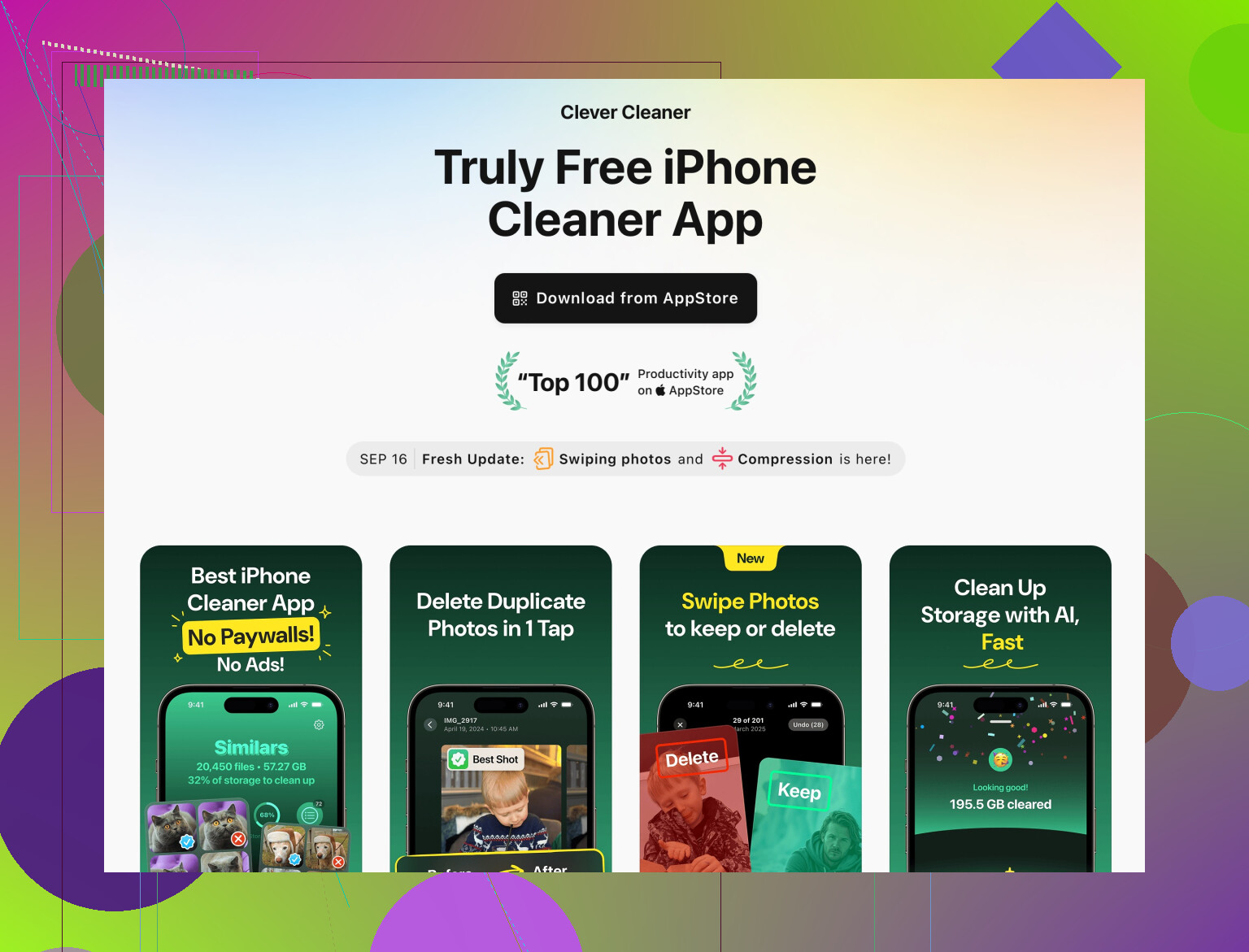
On iPhone, one actually useful tool is the Clever Cleaner App. It focuses on things like:
- Deleting duplicate photos and similar pics
- Clearing giant old videos
- Cleaning out junk files you forgot existed
Used right, it saves you a stupid amount of time versus scrolling through 8k screenshots manually. If you want something that makes this even simpler and more discoverable, check out a smart way to clean and speed up your device. It’s geared toward getting rid of useless files and media so your storage and performance aren’t a mess on top of your home being a mess.
6. One non-app trick that helped me more than any software
Every time you feel the “I need a new app” itch, try this first for a week:
- 10 minutes after you eat: only kitchen / dishes
- 10 minutes before bed: pick-up-only, not “real cleaning”
Use a kitchen timer or your phone’s basic clock. If you still feel lost after doing that consistently, then bring in an app for structure.
TL;DR:
Most “cleaning apps” are either paywalled or overcomplicated.
Use:
- Note or reminder apps (Joplin, Standard Notes, Google Keep)
- A game-like habit app (Habitica) if you like that
- A real cleaner for your phone like Clever Cleaner App so the digital chaos stops making you feel behind on everything.
You don’t need some shiny subscription to stay on top of basic cleaning. You just need a tiny list you’ll actually look at and tasks small enough that you don’t immediately nope out of them.
1 Like
Short version: you do not actually need a “cleaning app” at all, but if you want tools that stay useful without paywalls, think in three buckets:
- super barebones task tracking,
- visual / checklist style systems,
- one separate tool to stop your phone clutter from stressing you out.
I’ll skip what @mike34 and @yozora already broke down and go in a different direction.
1. Minimal to do apps that stay free
If you like structure but hate bloat, look at:
1) Todoist free tier
Not cleaning specific, but works well for routines.
Pros:
- Clean interface, good recurring tasks.
- Sections like “Daily,” “Weekly,” “Deep clean” are easy to set up.
Cons: - Can nudge you about “pro” features.
- Labels and filters are limited on free.
How to set it up without going nuts:
- One project called “Home.”
- 3 sections only: Daily, Weekly, Monthly.
- Max 5 tasks per section. Anything extra goes into a “Someday” list.
2) Any.do free
Pros:
- Very quick to add tasks, good reminders.
- Simple “Today / Tomorrow / Upcoming” layout keeps things from feeling huge.
Cons: - Some features are behind a paywall.
- Can feel a bit “productivity influencer” if you let it.
Use it like this: everything cleaning related goes into “Today” or “Tomorrow” only. If a task sits there for a week, break it in half or delete it.
2. Visual & low brain-power options
Here is where I slightly disagree with both replies above. They lean more on text lists and notes; this works for a lot of people, but if your brain shuts down at walls of text, try more visual tools.
3) Trello or similar Kanban apps (free)
Use boards instead of long lists.
Setup idea:
- Columns: “Daily,” “Weekly,” “Monthly,” “Done this week.”
- Cards like “Bathroom quick clean,” “Trash & recycling,” “Change sheets.”
Drag tasks from the appropriate column into “Done this week.” On Sunday, move them back to their original column and reset. No stats, no guilt.
Pros:
- Very visual. Easy to see “just one card” instead of 20 items.
- Completely free for 1 board.
Cons: - Can become a mess if you add 50 cards.
- More clicks than a simple checklist.
4) Paper hybrid with your phone
Not an app, but still digital enough:
- Sticky note on the fridge or door: 3 tasks for today only.
- Take a photo of that note and set it as your phone lock screen.
You see it every time you pick up your phone, without another “productivity” tool yelling at you.
3. Dealing with digital clutter so it stops draining you
I do agree with both replies on this: if your phone is stuffed with screenshots, random videos and junk, that low grade stress makes home mess feel worse.
Here is where something like the Clever Cleaner App actually fits.
Pros of Clever Cleaner App
- Designed for quick scanning of your photo library and files.
- Good at catching duplicate or near duplicate photos and big videos.
- Helpful if you have thousands of pics from chats, memes, or receipts.
- Can free up storage fast which also keeps your phone snappier.
Cons of Clever Cleaner App
- You still need to review suggestions so it does not delete something important by mistake.
- If you are very paranoid about automated tools touching your photos, you might feel uneasy at first.
- Some advanced or extra features might push you toward things you do not really need if you just want simple cleanup.
Used in a sane way: open it once every week or two, clean duplicates and obvious junk, then close it. Do not obsess. Let it handle the boring cleanup so your brain is free for actual home stuff.
4. What I would personally do on a tight budget
Putting it all together, very stripped down:
- Pick one free task app: Todoist, Any.do, Google Keep, or Microsoft To Do like @yozora mentioned. Do not use three at the same time.
- Create only three lists or sections:
- “Today / Daily”
- “This week”
- “When I have energy”
- Limit yourself to 3 tasks in “Today / Daily.” If you keep failing a task, break it in half.
- Once a week, open Clever Cleaner App or a similar cleaner and:
- Remove duplicates
- Clear old videos taking up gigabytes
- Toss obvious junk screenshots
That is it. No color coded mega systems, no 40 recurring reminders.
If what you have now makes you feel behind or guilty every time you open it, ditch that setup. A boring free task list plus a simple digital cleaner beats a “smart” cleaning app that yells at you for missing “vacuum baseboards” on a Wednesday.