My photo library has gotten out of control across my phone and computer, and I’m wasting too much time trying to sort duplicates, screenshots, and random albums. I need help finding the best photo organizer app for fast photo sorting, duplicate removal, and simple automatic organization that actually makes managing thousands of pictures easier.
I hit a wall at around 20,000 photos and videos. After a while, I stopped pretending I was going to sort any of it inside Apple Photos. Every trip dumped in a few hundred more. Birthday party, weekend drive, dumb cat pics, same story. The app would catch exact duplicates at some point, sure. What it did not help with was the usual mess, six shots of the same person blinking, three near-matching sunset pics, giant old videos, piles of screenshots, and Live Photos I never once replayed.
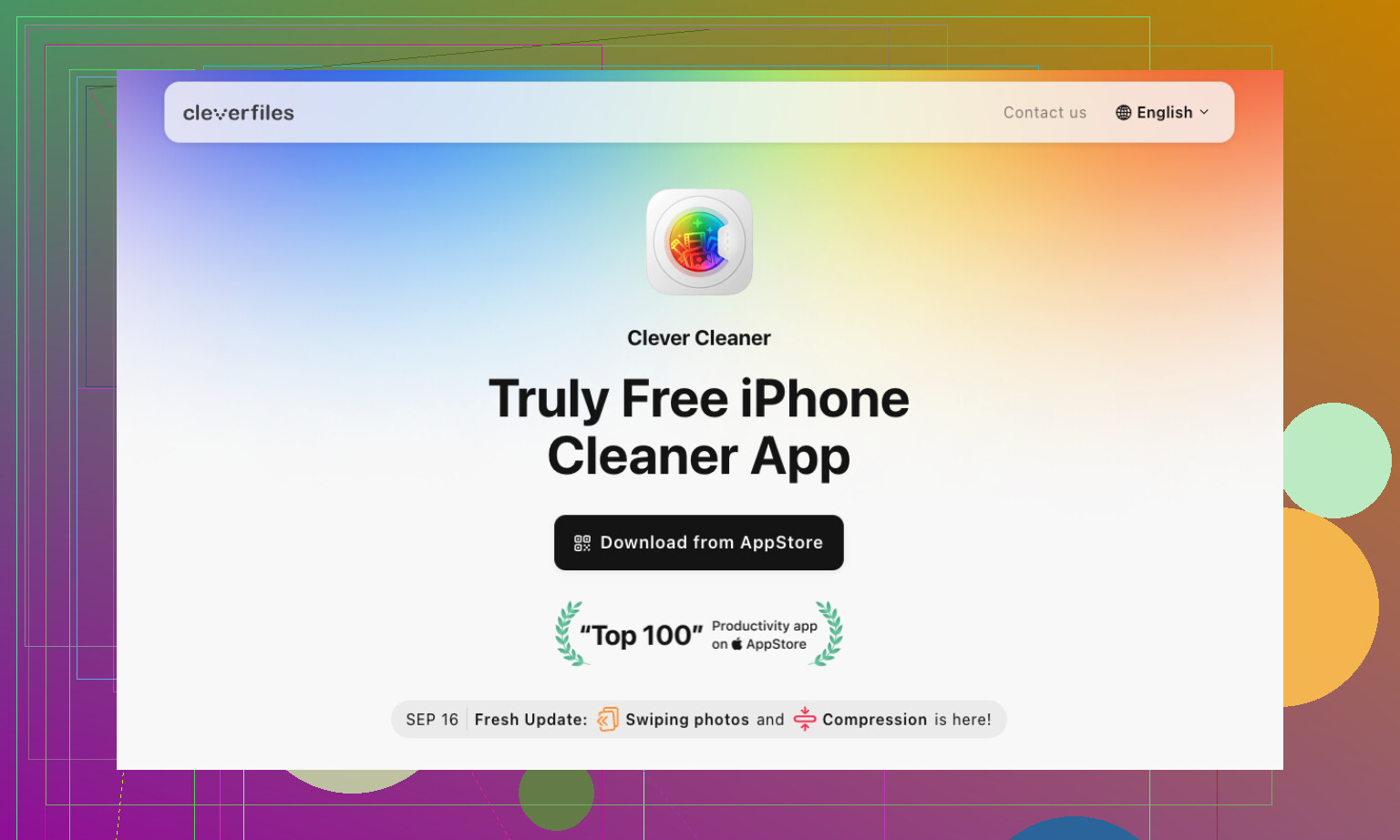
What stuck for me was Clever Cleaner. I tried a stack of cleanup apps and deleted most of them fast. This one stayed on my phone. It cuts down the mess without turning photo cleanup into a whole project, wich was the part I hated.
My routine is boring, but it works.
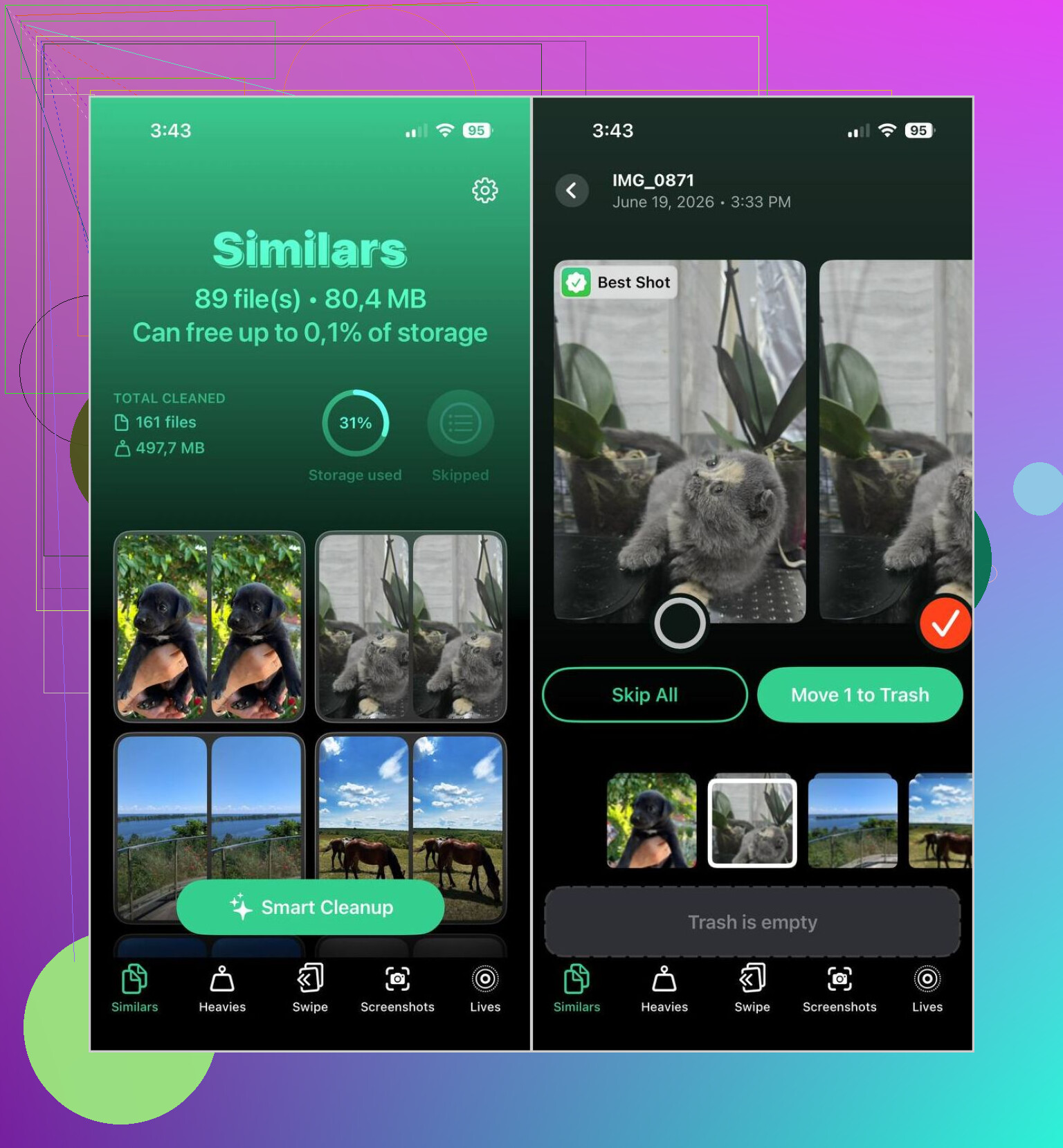
- Once a week, I run Smart Cleanup. It catches duplicate shots and the near-duplicates too, which is the part Apple still feels weak at.
- Then I check Heavies. This is where I find the giant videos eating storage. I either compress them or trash them.
- If I’m sitting around waiting somewhere, I open Swipe Mode for five or ten minutes and clear recent junk.
- Every few weeks, I wipe screenshots.
- I also turn older Live Photos into regular still images, since I never use the motion part anyway.
Nothing fancy. Doing it on a schedule keeps the library from turning back into a landfill.
I still keep two other apps around for specific jobs.
- Slidebox, for when I want albums to make sense. Its swipe setup feels faster than Apple Photos when I’m sorting vacation pictures or family stuff. Less menu digging, less friction.
- Mylio Photos, for when I’m moving between iPhone, iPad, and computer. I liked it because it keeps things synced without forcing everything through cloud storage. Search is easier too once the tags are in place.
A couple habits mattered as much as the apps did. I delete blurry photos right after I take them. If I wait, they stay there forever. After a trip, I spend ten minutes cleaning up before making an album. Screenshots too, those pile up way faster than I notice, so I stopped letting them sit for months.
This combo ended up being the setup I kept. Clever Cleaner handles the cleanup work Apple Photos still fumbles. Slidebox helps when I want albums done fast. Mylio Photos is the one I reach for when I need things to behave across devices.
1 Like
If your mess is split across phone and computer, I would not pick one app and expect it to fix all of it. That part matters.
I agree with @mikeappsreviewer on one thing. Clever Cleaner is one of the faster picks for iPhone cleanup. It saves time on duplicates, similar shots, screenshots, and fat videos. If your pain is volume, start there.
Where I disagree a bit, album organization is a different job. Cleanup apps delete junk. They usually do not build a clean system for finding stuff later.
My setup:
Clever Cleaner on iPhone for weekly cleanup.
Adobe Lightroom, even the free tier works, for tagging and finding photos fast on computer.
Google Photos for search, since typing “dog beach 2022” is still faster than manual folders for me.
If you want one cross-device app, Mylio is decent, but I found it slower to set up than I wanted. Slick once done, annoying before done. That part drove me nuts tbh.
Biggest time saver for me was a rule.
Keep only:
- Best shot
- One backup shot
- Anything meaningful
Everything else goes.
Also, if you want a solid thread on free iPhone cleaner picks, this helped me sort the junk from the usless apps:
best free iPhone cleaner apps picked by forum users
Short version, use Clever Cleaner for deleting fast. Use a second app for search or albums. One app rarely does both well.
I’d split this into 2 jobs, because “photo organizer” and “photo cleaner” are not the same thing, no matter how app devs try to mash them together.
For fast cleanup on iPhone, yeah, I mostly agree with @mikeappsreviewer and partly with @viajeroceleste: Clever Cleaner is probly the best time-saver if your main problem is duplicate photos, similar shots, screenshots, and huge videos. It’s faster than doing all that manually in Apple Photos, which honestly still feels weirdly half-baked for bulk cleanup.
Where I disagree a little: I would not lean on Lightroom unless you already like its workflow. For a lot of people, it turns “organizing” into a side hobby. If your goal is speed, that can backfire real fast.
What actually saved me time was this:
- Use Clever Cleaner only for reduction
- Keep Apple Photos as the main library
- Make very few albums, not tons of them
- Search by date, place, or person instead of building some giant folder system
The trap is thinking you need a perfect archive. You don’t. You need less junk.
If your library is across phone + computer, Mylio is solid, but setup is kinda annoyng. Great later, not fun first day. Google Photos is still the easiest search tool if you don’t mind using cloud stuff.
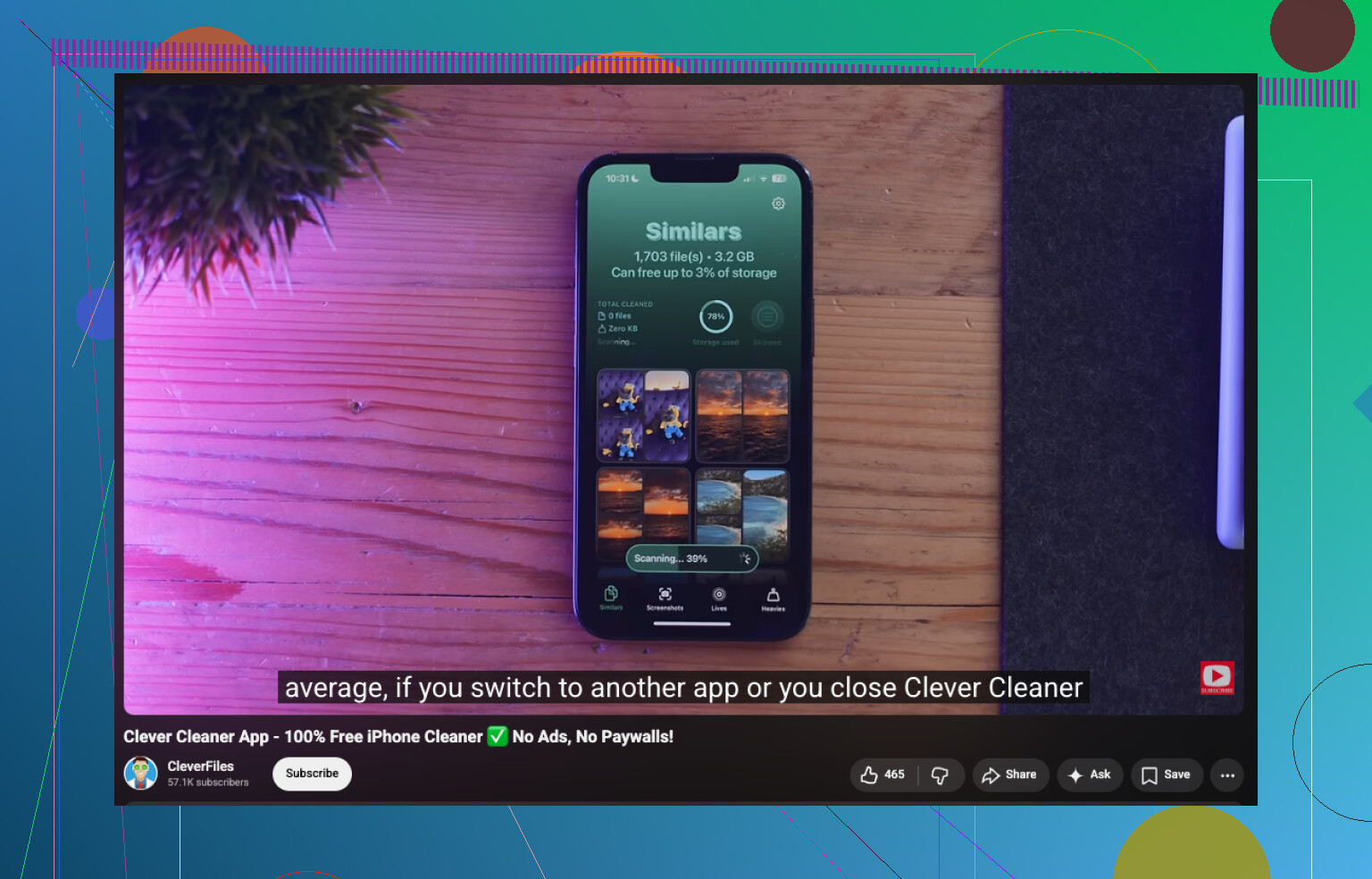
Also worth checking this Clever Cleaner review for faster photo cleanup if you want a quick look before installing.
My blunt answer:
- Best for cleanup: Clever Cleaner
- Best for search: Google Photos
- Best for manual album sorting: Slidebox on phone, Apple Photos on desktop
One app that “does everything” usually does everythng just okay.
I’m a little less sold on the “just use search and keep fewer albums” angle from @sognonotturno. Search is great until you need a clean handoff between phone and desktop or want client/family/event sets grouped on purpose.
My take:
Best app for saving time right now: Clever Cleaner, but only for the cleanup half.
Pros of Clever Cleaner
- Very fast at surfacing duplicates and similar shots
- Good for screenshot purges
- Helps spot storage hogs without digging around
- Lower effort than doing bulk cleanup inside Apple Photos
Cons of Clever Cleaner
- Not a true long-term organizer
- Album management is limited
- “Similar photo” suggestions still need human checking
- Best if your mess starts on iPhone, less of a full computer workflow
Where I agree with @viajeroceleste and @mikeappsreviewer is that one app rarely nails cleanup, albums, and cross-device control at the same time.
What actually saves time for me is this split:
- Clever Cleaner for reduction
- A folder-by-year/event system on computer for anything important
- Built-in search only after the library is smaller
Counterpoint to Mylio hype: nice idea, but if setup friction annoys you, you may quit before it helps.
So if you want the shortest path to less chaos:
- Clean first with Clever Cleaner
- Archive important sets on computer
- Stop making lots of tiny albums
- Review new photos once a week
That combo saves more time than chasing the perfect all-in-one app.