I accidentally deleted the wrong files from my GoPro SD card and now some important videos are missing. I’m trying to figure out the best way to recover deleted GoPro footage before anything gets overwritten. If anyone knows safe GoPro file recovery steps or tools that actually work, I’d really appreciate the help.
I’ve been in this spot before, and yeah, it sucks. You get back from a ride, a trip, a dive, or a long day shooting, then you check the card and the clips are gone. The part worth holding onto is this, deleted or formatted GoPro footage is often still there. What you do in the next few minutes matters a lot.
First thing I’d do
Stop using the GoPro right away and pull the SD card out.
No new recording. No formatting. No repair tools. No random 'fix my card' apps. When a video gets deleted, the data often sits there until new files land on top of it.
Before running recovery software, I’d check the easy stuff first:
- GoPro cloud backup, if you pay for it and Auto Upload was on
- The Trash or Recently Deleted area in your GoPro account
- The camera screen for any file repair prompt
- LRV preview files still sitting on the card
- A different card reader or another computer, because sometimes the problem is dumb and small
After that, I’d look at the card itself. If it is missing from every device, feels damaged, gets hot for no clear reason, drops connection over and over, or locks up your system, I’d stop there. At that point I’d lean toward a recovery lab. Physical card failure is a different mess from deleting files by mistake.
Why GoPro recovery goes sideways so often
This catches people off guard. A lot of file recovery apps do fine with photos, Word files, PDFs, normal stuff. Video from modern action cams is a different animal.
GoPro footage is not always stored as one clean block. These cameras often write video, audio, preview data, metadata, GPS info, and other pieces at the same time. So one clip might be split into a pile of fragments all over the SD card.
A scanner might find those chunks and still fail at rebuilding them into a working file. I’ve seen results like:
- Recovered videos that do not open
- Clips with missing sections in the middle
- Playback corruption
- MP4 files that look normal but fail in VLC or Premiere
So yeah, finding software for GoPro, DJI, or Insta360 footage is harder than finding something for family photos or office docs.
The tool I’d start with
If I were doing this on my own card, I’d start with Disk Drill.
The main reason is its Advanced Camera Recovery mode. From what I’ve seen, this part was built for fragmented camera footage, which is where generic recovery tools usually fall apart. It also pulls in older recovery tech from GoProRecovery and CnW Recovery, tools people had been using for years for camera clips before they got folded into Disk Drill. The newer version covers more devices and more file systems, which helps if your setup is newer or a bit odd.
The workflow is simple enough:
- Put the SD card in a card reader
- Open Disk Drill
- Pick Advanced Camera Recovery
- Scan the card
- Preview what it finds
- Save recovered files to a different drive
The preview step matters more than people think. A lot of recovery apps will list a file and make it sound like the job is done. Then you save it and the clip is dead. Being able to preview before recovery saves time and false hope.
Other options people bring up
I’ve tried the usual names people post in forums.
- PhotoRec is free and tougher than it looks. The downside is it does not focus on GoPro-style reconstruction, so you may end up with a mountain of files to sort through by hand.
- UFS Explorer is serious software. Good tool, no question. I’d keep it in mind for rough cases. Still, it asks more from you and is less friendly if you want a fast first pass.
Both have their place. For fragmented action cam footage, I’d still try Disk Drill first.
When I’d stop doing this myself
DIY recovery works best when the problem is logical, not physical. Think deleted files, accidental format, file system issues, stuff like that.
I’d skip home recovery and contact a pro if any of this is happening:
- The SD card has visible physical damage
- No device detects the card at all
- The card keeps disconnecting
- The camera throws card errors every time
- Recovery software freezes or fails to finish a scan
- The footage matters too much to risk a bad attempt
Recovery labs cost more, sure. Still, software is software. A lab has tools and procedures you won’t have sitting at home.
If your case is plain deletion or formatting, your odds are usually better than they feel in the moment. If the card hasn’t seen much use since the files disappeared, I’d say there’s still a fair shot at getting the videos back.
1 Like
If the files were deleted and you did not record anything new, your odds are still decent.
A few things I’d add beyond what @mikeappsreviewer said.
First, check for split clips. GoPro often breaks long videos into chapters like GX010123, GX020123, etc. People think one file is missing, but the footage is spread across multiple parts. Also look for .THM and .LRV files. They are not full video, but they help confirm the clip existed.
Second, make a full image of the SD card before you scan it. This is the part many people skip. Use a byte-for-byte image tool, then run recovery on the image, not the card. If a scan crashes or the card starts acting wierd, you still have a frozen copy. For important footage, this matters more than trying three random apps on the live card.
Third, if the recovered MP4 files do not play, the data might be there but the container is broken. Try repair tools after recovery, not before. Untrunc and some video repair apps sometimes fix GoPro files if you have a healthy sample clip from the same camera settings.
I slightly disagree with going straight to broad file carving tools first. They dump tons of junk and lose filenames and folder info. For GoPro video recovery, Disk Drill is a better first pass because it handles camera media better than many generic tools. Then use PhotoRec only if the first scan misses stuff.
For people searching this later, a simple term is: best SD card recovery software for deleted GoPro videos and formatted memory cards.
Also, this short covers the basics in a fast way: watch this quick GoPro SD card recovery tip
If the card disconnects, shows 0 bytes, or asks to format every time, stop messing with it. That’s where DIY starts geting expensive.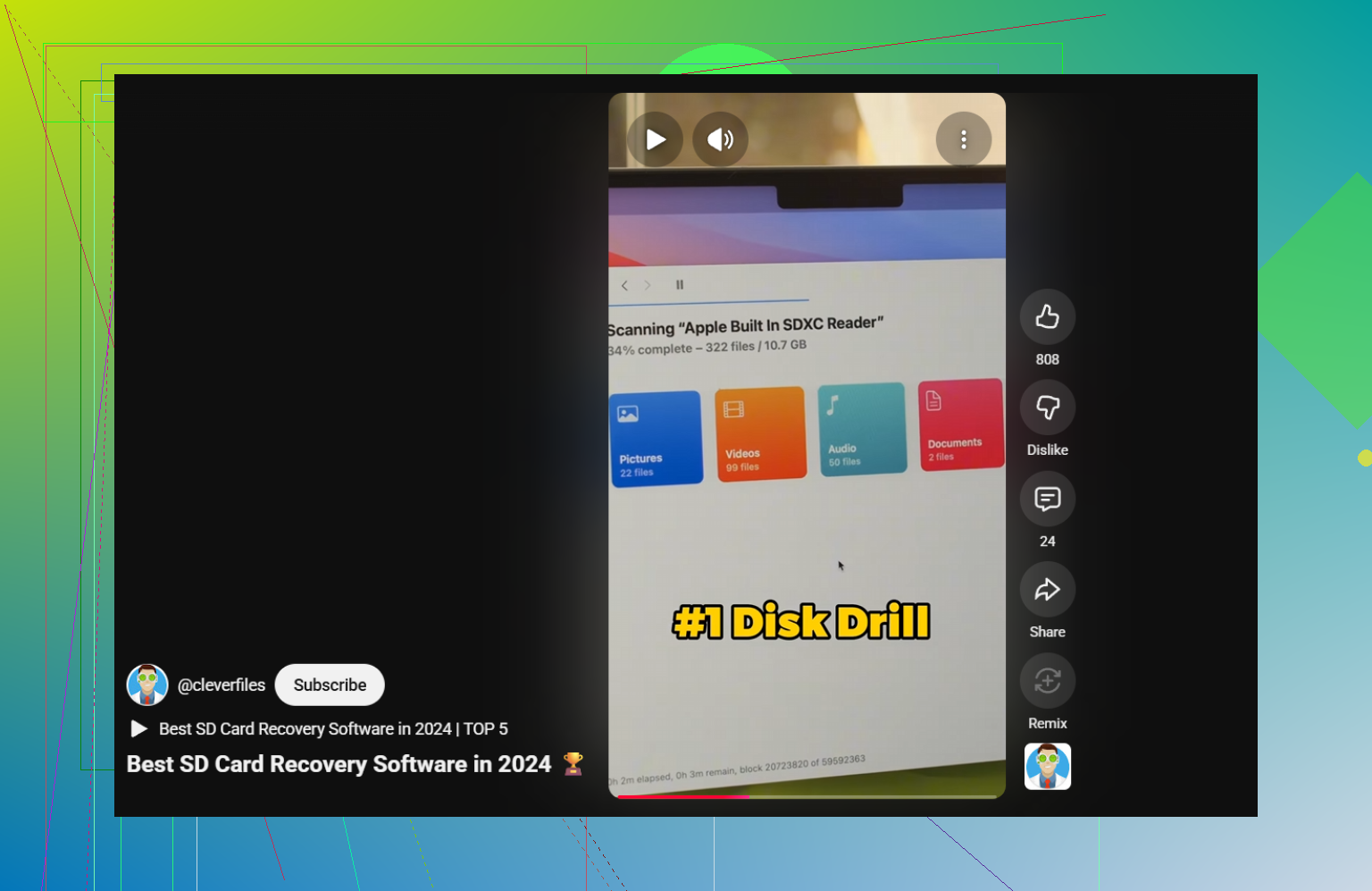
I’d add one thing neither @mikeappsreviewer nor @caminantenocturno really leaned on enough: check whether the files were actually hidden or the directory got scrambled, not truly deleted. On SD cards, especially after yanking the card too fast or a battery die-off, the file table can get messy and make clips “disappear” even though the video data is still there.
So before going full recovery mode, mount the card on a computer and look for weird signs:
- wrong file sizes
- empty DCIM folders
- duplicate folders
- files with strange names
- card showing less free space than it should
If that happens, I’d image the card first, then test recovery from the image. I know that part was mentioned, but honestly I’d rank it above trying multiple tools. People skip that, then wonder why the card gets worse. Happens all the time.
Also, slight disagreement with the “scan everything right away” mindset. If the missing clips were recorded recently, sometimes GoPro chapter files and database entries can make it easier to identify what’s missing first so you don’t waste time recovering 900 junk fragments you dont need.
For software, yeah, Disk Drill is a solid first try for deleted GoPro videos and SD card video recovery because it handles camera media better than a lot of generic undelete apps. If it finds the clips but they won’t open, then you’re in repair territory, not recovery territory.
This thread is also pretty useful if you want more SD card recovery discussion from real people: best ways to recover deleted videos from an SD card
One more thing: if the card keeps asking to be formatted, stop. That’s where people make it waaay worse.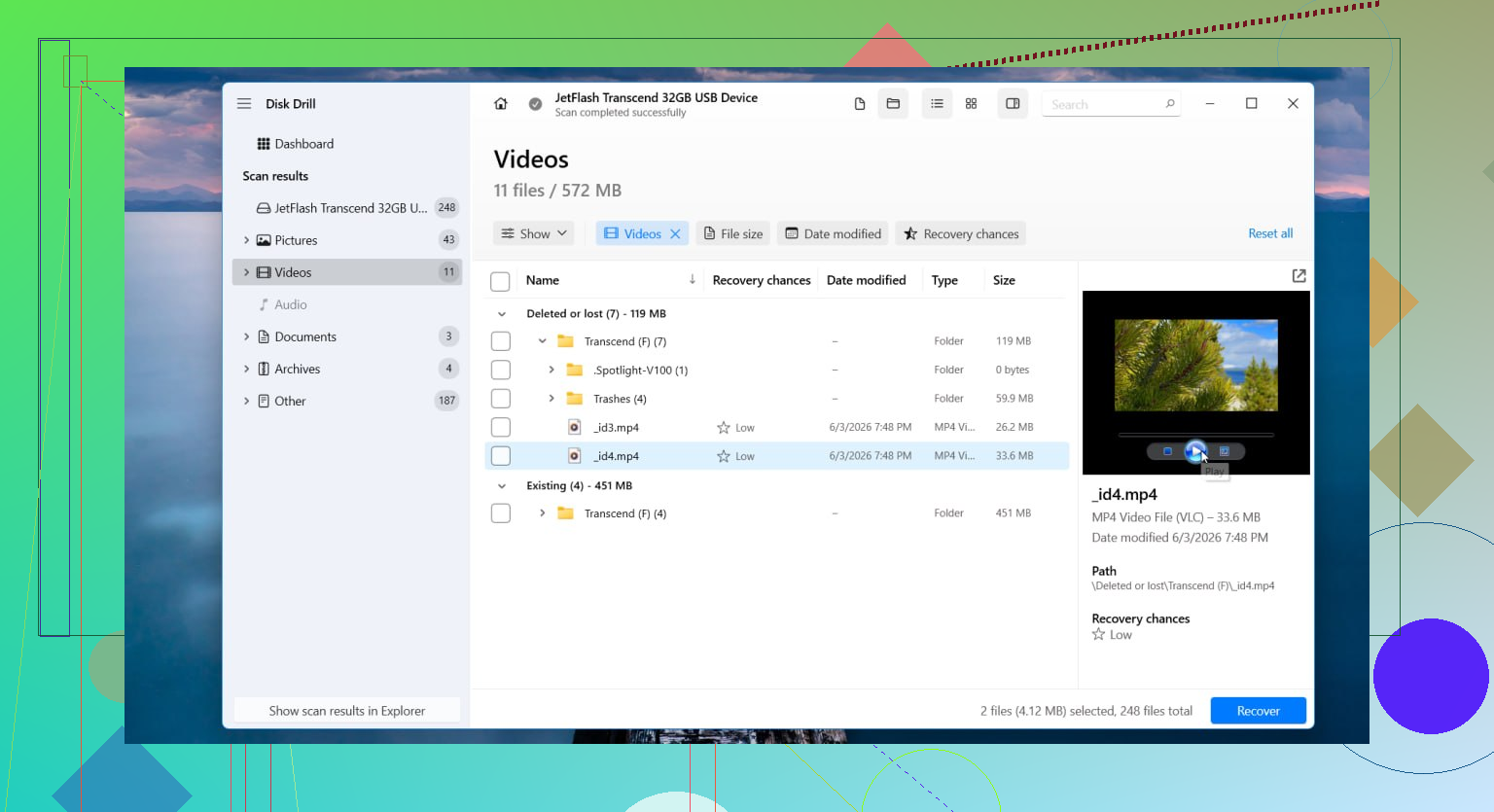
One angle I’d add to what @caminantenocturno, @suenodelbosque, and @mikeappsreviewer covered: check whether the missing clips were ever copied off the card by something else. On Windows, search your whole drive for `.MP4`, `.LRV`, and the clip number. GoPro imports get scattered into weird folders more often than people think.
I also would not keep swapping between 5 recovery apps. That can waste time and create confusion about what was actually found. Pick one solid pass first. Disk Drill is reasonable for that.
**Disk Drill pros**
- good with camera media
- preview helps weed out junk
- simpler than a lot of forensic-style tools
**Disk Drill cons**
- not magic if the card is physically failing
- deep scans can return messy filenames
- full recovery usually means paid version
If the recovered videos exist but stutter or stop halfway, that often means partial overwrite, not bad software. Different problem.
Small but useful check: compare used space on the card versus visible files. If the card says 40 GB used but you only see 5 GB, that strongly suggests hidden, damaged, or orphaned data still exists.