I accidentally formatted my SD card in my camera, then kept using it and took a few new photos before I realized what happened. I’m trying to recover the original pictures, but I’m worried the new files may have overwritten them. Is there still a chance to recover deleted photos from a formatted SD card, and what should I do next to avoid making it worse?
I ran into this with a camera SD card, and the short answer is yes, your files are often still there.
A format done in a camera, drone, or computer is usually a quick format. What gets wiped first is the file index, not the photo or video data itself. So the card looks empty to your device, but the old data often stays on the storage cells until new recordings land on top of it.
The first move matters most. Stop using the SD card now. Take it out. Do not shoot more clips, do not copy new files to it, do not let anything write to it. Once fresh data overwrites the old blocks, recovery drops off fast. I learned this the hard way once and lost half a trip.
If you want the best shot at getting things back, use recovery software on a computer. From what I’ve seen, Disk Drill tends to be the easiest route, especially for video. Photos are one thing. Video is messier, since clips are bigger and often split across the card in chunks. Some tools find those chunks but fail to rebuild them into a playable file. Disk Drill includes an 'Advanced Camera Recovery' mode aimed at footage from cameras and drones, and that part matters if your missing files are videos.
What I would do, step by step:
Connect the SD card to your computer with a decent card reader. If one reader fails, try another before assuming the card is dead.
Install Disk Drill on your computer’s internal drive. Do not install anything to the SD card.
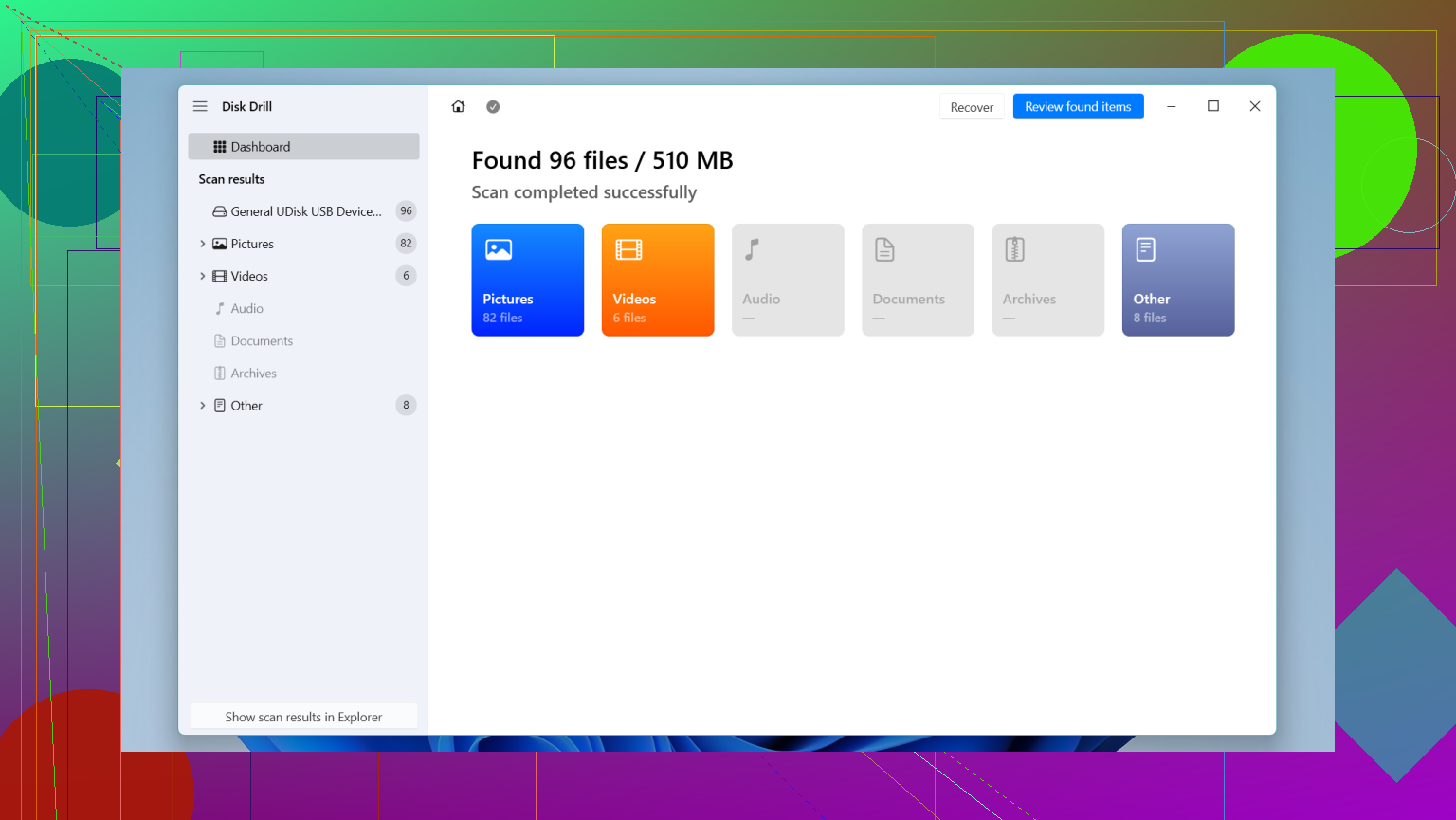
Launch it, pick the formatted SD card, and start scanning. If the missing files are drone or camera clips, use the Advanced Camera Recovery option.
Let the scan finish. Preview whatever it finds so you’re not recovering broken junk blind.
Restore the files to your computer’s drive, not back to the SD card. Saving recovered files onto the same card is a bad move because it writes over the data you’re trying to rescue.
If you want other options, there are a couple people bring up a lot.
PhotoRec is free and solid, and I’ve seen it pull files off media other tools missed. The catch is the interface feels old and rough, and you usually lose the original file names and folder structure. If you recover hundreds of clips, sorting them later gets annoying fast.
R-Studio is another serious option. It’s built more for people who already know their way around recovery tools. Also, the free version won’t recover files over 1 MB, so for video work it falls apart pretty quick.
If the footage matters enough that you’d lose sleep over it, and your computer won’t detect the card at all, skip the home fix and talk to a recovery lab. Those places use hardware tools and chip-level methods regular software doesn’t touch. It costs more, yeah, but a lot of labs work on a no data, no fee setup.
So, if the card was formatted and then left alone, your odds are still decent. The main thing is not touching it anymore. That part is where people mess up, me included tbh.
1 Like
Not too late, unless those new photos landed on the same blocks as the old ones. Formatting usually clears the file table. It does not wipe every sector. The few new shots hurt your odds, but they do not kill them.
I slightly disagree with @mikeappsreviewer on one point. People jump straight into recovery apps too fast. First, make a full image of the SD card to your computer, byte for byte. Work from the image, not the card. If a scan goes bad or the card starts failing, you still have one clean copy. On Windows, USB Image Tool or HDD Raw Copy Tool work. On Mac or Linux, dd works if you know what you’re doing.
Then scan the image with Disk Drill or another recovery tool. Disk Drill is solid for formatted SD card recovery and easier than most. For photos, I’d also check whether your camera writes small JPG previews inside RAW files or sidecar data. Some tools miss those, some dont.
A few facts. SD cards use wear leveling. New photos do not always overwrite the oldest deleted files in order. That is why people recover 90 percent after a format sometimes, and other times lose a whole folder after ten new pics. There’s no neat pattern.
If the card is from a phone or action cam with encryption enabled, recovery gets worse fast. If it’s a normal camera SD card, odds are better.
Also, if your card reader mounts the card and asks to ‘fix’ errors, do not click yes. That repair step writes changes.
This thread on formatted SD card photo recovery after taking new pictures has some useful real-world replies too.
Not neccearily too late. A few new photos after a format does not automatically mean everything old is gone. It just means some parts of the card may now be overwritten, and those specific files or sections are probly unrecoverable.
I agree with @mikeappsreviewer and @hoshikuzu on the big point: stop writing to the card. But I’d push one extra thing people forget. Check the new photos you took after the format. If they look normal and open fine, that usually means the card itself is still functioning and you’re dealing with logical loss, not a dying card. That matters, because recovery chances are better when the hardware isn’t flaking out.
Also, don’t expect an all-or-nothing result. With camera SD cards, recovery after formatting often comes back in three buckets:
- old photos fully intact
- some files partially corrupted
- some files gone because new shots landed on top of them
That’s why people panic too early. A card can still cough up a surprsing amount even after reuse.
One thing I slightly disagree on with the usual advice: people obsess over original filenames and folders. After a camera format, that metadata is often toast anyway, so focus on getting image data back first, organizing later. If the card mostly held JPEG or RAW, a good scanner can still pull a lot by file signatures alone.
Disk Drill is a sensible option here because it handles formatted SD card recovery pretty well and previews found files before recovery, which saves time. If you want a quick overview, this Disk Drill review for SD card photo recovery is pretty easy to follow.
One more thing nobody mentions enough: if your camera has a dual-slot backup feature and you had it enabled at any point, check your other card too. Sounds obvious, but people miss that all the time.
So no, not “too late.” Just maybe “partial recovery” territory now.
Not automatically too late. I mostly agree with @hoshikuzu, @reveurdenuit, and @mikeappsreviewer, but I’d push one extra angle: don’t judge your odds by how many new photos you took, judge them by file size. Three tiny JPEGs may do less damage than one big burst or 4K clip.
A couple things people skip:
- If the card was formatted in the same camera, the filesystem was probably recreated cleanly, which is actually better than a card that was half-corrupted before formatting.
- If your old photos were RAW, recovery can be weirdly mixed. You might get the embedded preview JPEG back even when the full RAW is damaged.
- If recovered photos show gray bands or broken bottoms, that usually means partial overwrite, not failed software.
On tools: Disk Drill is a reasonable pick here.
Pros
- easy previewing
- good at finding common photo formats
- simple enough for non-technical users
Cons
- not the cheapest option
- deep scans can return lots of clutter
- original names/folders often won’t survive a format anyway
I slightly disagree with the idea that software choice is the main factor. In cases like yours, the real decider is overwrite extent. The app mostly affects convenience and how well it identifies fragments.
So yes, recovery is still possible. Just expect a mix: some perfect files, some damaged, some gone.