My WD external hard drive suddenly stopped showing up on my computer after I unplugged it without realizing a file transfer was still running. It has important photos, work documents, and backups that I really need to recover. I’m looking for trusted WD external hard drive recovery recommendations, including software or repair services that actually work.
I’ve dealt with a bunch of WD My Passport drives, and “my files disappeared” has not always meant the data was gone. A lot of the time, the drive still worked fine. The mess was in the file system, the partition table, or a simple delete.
First thing I did was check whether Windows still saw the drive.
Open Disk Management and find the WD My Passport in the disk list. I wouldn’t care much about the drive letter yet. What matters first is simple. Does Windows detect the device, and does the listed capacity look close to normal.
- If the size looks right, I’d take that as a decent sign. Even when Windows shows RAW, Unallocated, or throws a format prompt, recovery still works pretty often because the hardware is responding.
- If the drive is missing, drops connection over and over, or starts making odd sounds, I’d stop thinking “file problem” and start thinking “hardware problem.”
Once the drive shows up, stop writing anything to it until your data is recovered. I learned this the hard way once. If files were deleted recently, or the partition suddenly stopped opening, new writes can overwrite data you still had a shot at getting back.
Before touching recovery software, I’d check for copies elsewhere. This gets missed a lot. I’ve seen people panic for an hour, then find the folder sitting in OneDrive, Google Drive, Dropbox, or some old sync app they forgot they enabled months ago. Takes two minutes to look, saves a lot of pain.
If there’s no backup, I’d go straight to recovery software. On WD My Passport drives, Disk Drill is one of the tools I tend to use first. It handles deleted files, formatted partitions, and RAW volumes without much fuss. It also supports NTFS and exFAT, which show up on these drives all the time. The preview feature helps a lot because you get to check whether the file is readable before you recover it.
This is the workflow I usually follow:
- Install the software on your PC, never on the WD drive.
- Connect the My Passport and wait for the software to detect it.
- If the drive is unstable, make a byte-to-byte backup first and scan the image instead of the original drive.
- Run a full scan.
- Go through the results and preview the important files.
- Recover files to a different drive, not back to the WD.
The preview step matters more than people think. If a photo opens, a video plays, or a document loads in preview, your odds are usually good. Not perfect, still good.
After recovery, I’d set up backups before trusting the drive again for normal storage. External drives are fine for holding data, but I would not keep the only copy of anything important on one. Use File History, Acronis, or a cloud backup if it fits your setup. A second copy is what keeps a drive failure from turning into a full mess.
If the drive stopped showing up right after you pulled it during a transfer, I would split this into two paths.
Path 1, the enclosure or USB bridge glitched.
WD externals fail at the USB board level more often than people think. I don’t fully agree with @mikeappsreviewer on jumping straight into a full scan first. If the WD case is the issue, recovery apps won’t help until the disk stays connected.
Try this first.
Use a different USB cable.
Use a rear USB port on a desktop.
Try another PC.
Check Device Manager and see if it appears then vanishes.
If your model has a removable drive inside, test the bare drive with a SATA dock or adapter. This matters a lot on older My Passport units.
Path 2, the file system got damaged.
If the drive shows proper size in Windows or macOS, then Disk Drill is a solid option. It’s good for WD external hard drive recovery because it scans NTFS, exFAT, HFS+, APFS, and damaged partitions, previews files before recovery, and lets you recover to another disk. If the connection is flaky, clone first, then scan the clone. That saves wear and avoids making things worse.
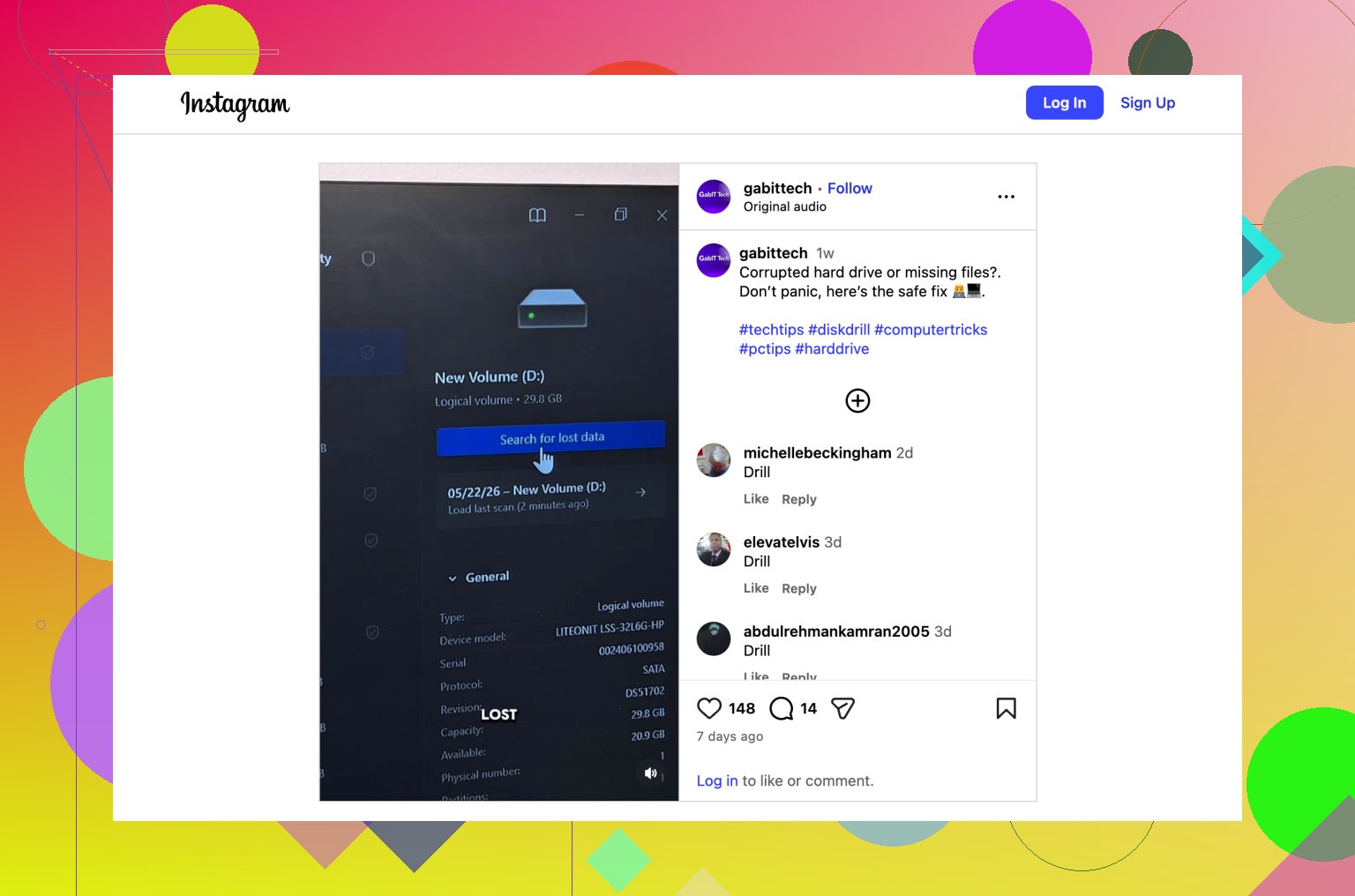
This video gives a decent walk-through of the recovery flow and what Disk Drill looks like in use, see how Disk Drill recovers files from an external drive.
One more thing people skip. Look in WD Drive Utilities if the drive is detected there. A SMART warning or failed self-test points more toward hardware. If you hear clicking, beeping, or spin-up spin-down loops, stop. At tht point, software recovery is the wrong move.
If the files matter more than the drive, don’t format it, don’t run chkdsk yet, and don’t keep plugging it in all day. Theres where people lose recoverable data.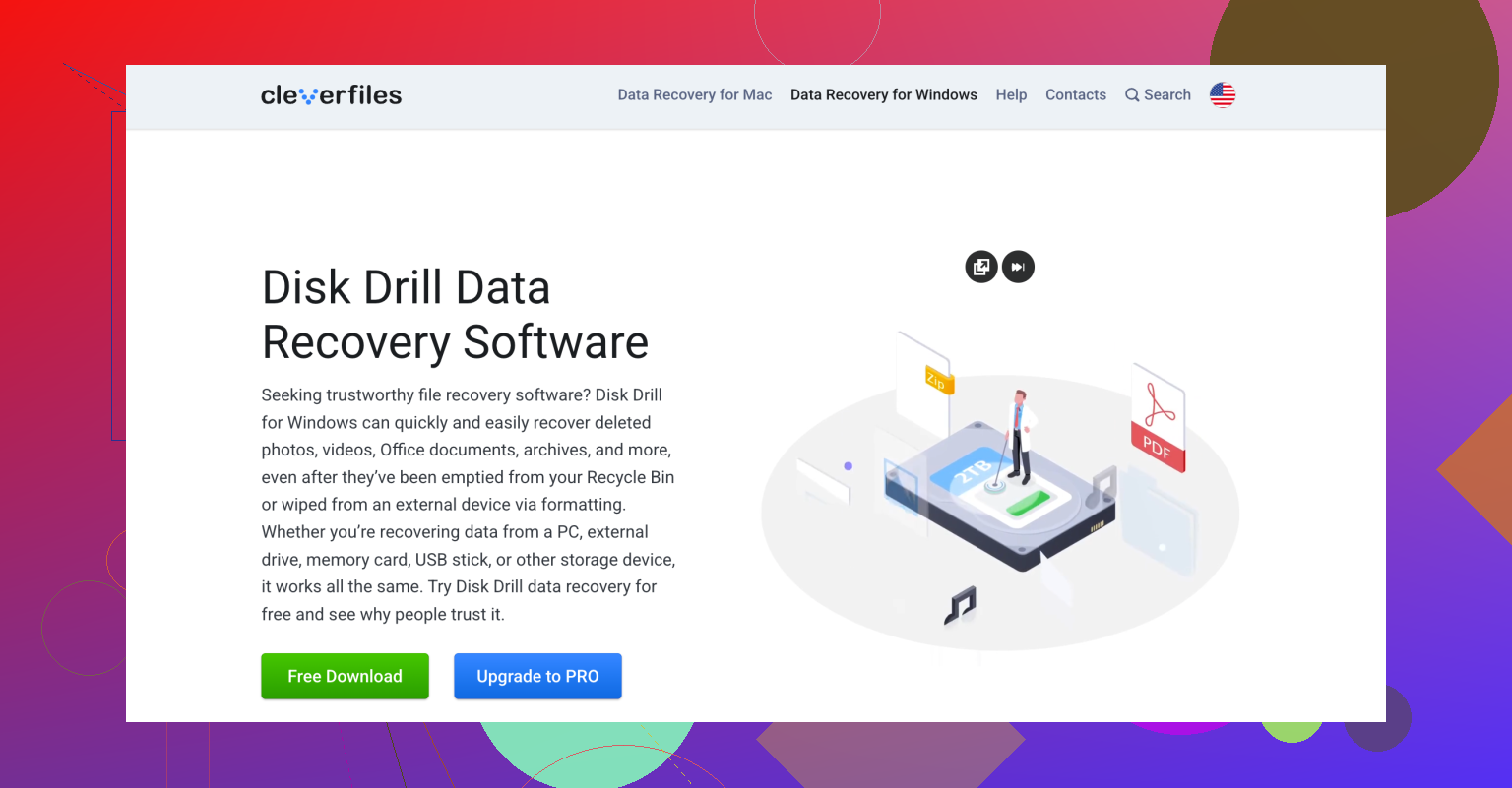
I’d add one thing neither @mikeappsreviewer nor @vrijheidsvogel really leaned on enough: check whether your WD is using hardware encryption through the USB bridge. A lot of WD externals do, and that changes the whole recovery decision tree.
If it’s one of those models, pulling the bare drive out and connecting it directly by SATA can actually make the data look like gibberish, not because it’s gone, but because the USB board was doing the decryption. So before opening the enclosure, look up the exact model number. People brick their own recovery chances that way.
Also, I would not run WD repair utilities too early. Diagnostics are fine, 'repair' buttons are where stuff gets spicy.
My order would be:
1. See if the drive appears in Disk Management or System Information.
2. If it appears consistently, clone it first if possible.
3. Scan the clone or the original read-only with Disk Drill.
4. Recover only the must-have files first to another disk.
5. Worry about fixing the WD later.
Disk Drill makes sense here mostly because it’s pretty solid for WD external hard drive recovery when the partition got trashed after an unsafe unplug, and the file preview helps you avoid wasting time on junk results. If the drive disconnects mid-scan though, stop pretending it’s a software problem.
Also, this quick WD external drive recovery walkthrough is easier to follow than a lot of bloated tutorials.
Big thing: don’t initialize it, don’t format it, and honestly don’t let Windows 'fix' it. That advice has ruined more drives than ppl admit.