I accidentally deleted important files on my Mac and emptied the Trash before realizing I still needed them. I’m looking for reliable data recovery software for macOS that’s safe, easy to use, and actually works. If anyone has recommendations for the best Mac data recovery tools or tips on what to avoid, I’d really appreciate the help.
I went looking for free Mac recovery apps not long ago, and the list was shorter than I expected. Most of the so-called free ones let you run a scan, show thumbnails, then stop right when you need the files back. On newer Macs, it gets worse. APFS support is spotty in older tools, and some apps feel half-broken on Apple Silicon.
Two free options still felt worth my time.
- PhotoRec
I keep coming back to this one because it does the job more often than I thought it would. It’s open source, fully free, and I’ve seen it pull files off a bad SD card and a corrupted external drive when other apps failed before the scan even finished. The rough part is the interface. It runs in Terminal, so if you hate command-line tools, you’ll feel it fast. Also, recovered files usually come back without the old names or folder layout, so sorting the mess later takes time. - Exif Untrasher
This one is much narrower. It’s mostly for JPEG recovery from cameras and SD cards. I found it easier to deal with than PhotoRec, but it’s not a full recovery suite. If your problem is missing photos from a card, it’s worth a shot. If you need broad file recovery from a Mac drive, it won’t cover much.
If you’re open to paying, I’d point you to Disk Drill. I’ve had the smoothest results with it on recent macOS versions. It reads APFS well, behaves properly on Apple Silicon, and it didn’t give me much trouble with external SSDs, USB sticks, SD cards, or Time Machine volumes.
What stood out to me:
- Preview works well before recovery, which saved me from restoring junk I didn’t need.
- Deleted files and formatted volumes came back more often than I expected.
- It includes byte-to-byte backup imaging, which matters if your drive looks like it’s dying.
- Photo and video support is solid, including RAW formats from cameras.
- It’s easier to work with than tools like R-Studio or PhotoRec, esp if you don’t want to fight the interface first.
One part matters more than the app you pick. Stop writing anything to the damaged drive as soon as you notice data loss. I learned this the hard way on SSDs. TRIM on modern Macs wipes deleted data fast, so waiting hurts your odds. And when you recover, save the files somewhere else. Don’t write them back onto the same drive you’re trying to rescue.
1 Like
First thing, stop using the Mac. Every new write hurts recovery odds, esp on SSDs.
I agree with part of what @mikeappsreviewer said, but I’m less optimistic about fully free Mac tools for internal drives. PhotoRec is great for brute-force recovery, but the loss of filenames and folders is a pain if your deleted files were docs, project files, or mixed work stuff.
If you want safe and easy on macOS, I’d look at:
- Disk Drill. Best balance of simple UI, APFS support, previews, and recovery from internal and external drives.
- R-Studio. More technical, stronger for damaged drives and weird partitions.
- Data Rescue. Clean interface, decent on Macs, but pricier for what you get.
- EaseUS Data Recovery Wizard. Easy to use, mixed results in my tests.
- TestDisk. Best for partition issues, not beginner-friendly.
For your case, emptied Trash on a Mac, Disk Drill is the first one I’d try. Scan the drive, preview what’s recoverable, restore to another disk. If the Mac has an SSD with TRIM, speed matters a lot. If files were deleted hours or days ago, odds drop fast. Sad but tru.
If the files matter a lot, skip more DIY attempts and clone the drive first.
Also, a cleaner search phrase for this topic would be: Best data recovery software for Mac, top 5 tools to restore deleted files on macOS.
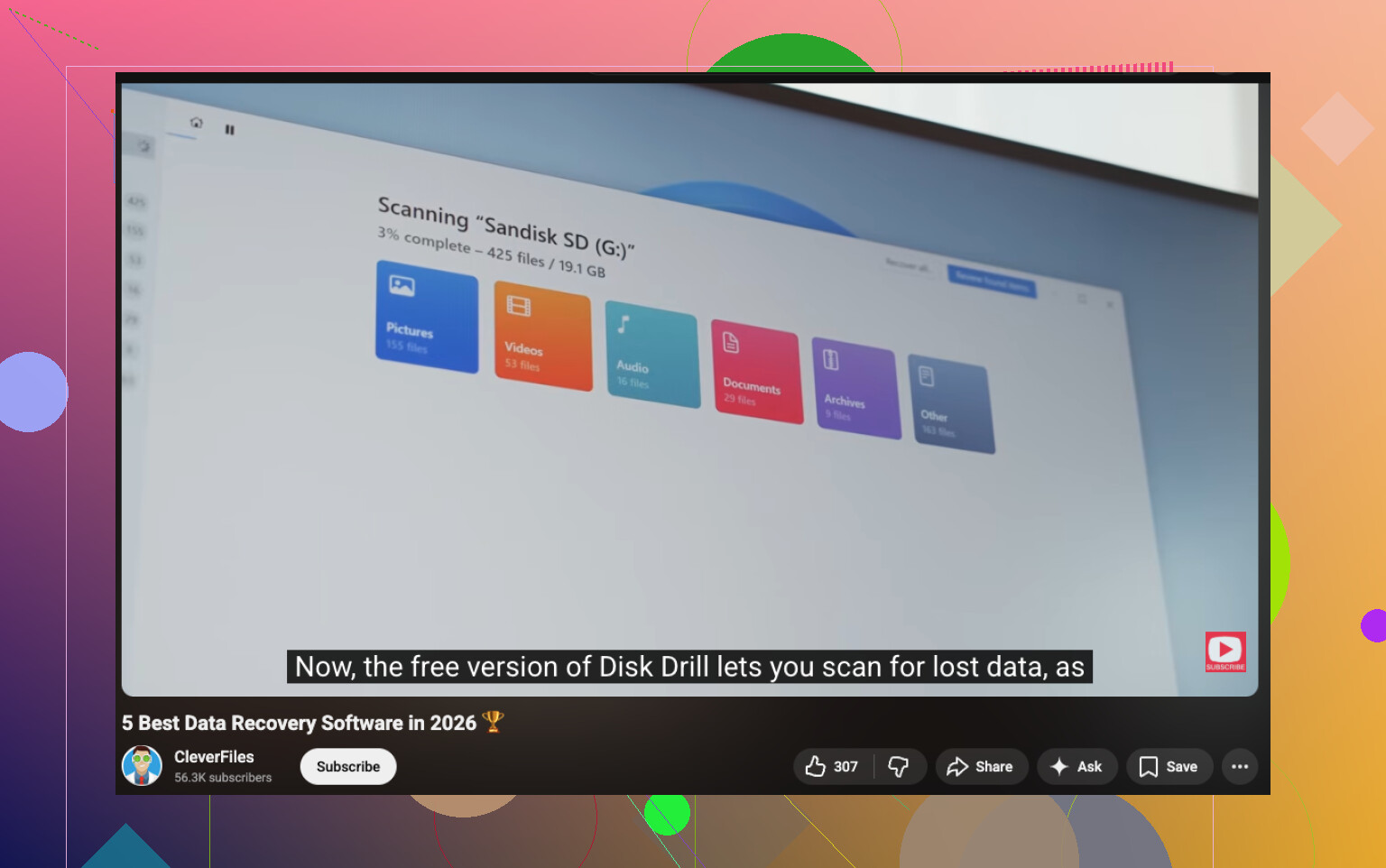
If you want a quick walkthrough and comparison, this video helps: watch this Mac data recovery software comparison
I’d split this into two cases, because people mix them together way too often.
If it was an external drive, SD card, USB stick, you’ve got a decent shot. If it was the internal SSD in a modern Mac, I actually disagree a bit with the hopeful takes from @mikeappsreviewer and @ombrasilente. On Apple SSDs, TRIM can make deleted-file recovery fall off a cliff stupidly fast. So software matters, but timing matters more.
For actual apps:
- Disk Drill: probably the best pick if you want Mac data recovery software that is easy and not a total headache. Strong macOS/APFS support, simple previews, decent filtering.
- R-Studio: better if the drive is acting sketchy or has filesystem damage, but less beginner-friendly.
- TestDisk: useful for partition problems, not really the comfy choice for “oops emptied Trash.”
- PhotoRec: solid for raw file carving, but the filename chaos is real and kinda brutal.
One thing I’d add that wasn’t stressed enough: if the files are super important, use recovery software on a different Mac if possible by connecting the drive externally or booting from another volume. Running scans on the same system disk is not ideal, even if the app is safe.
Also, if you want a broader comparison, this thread title is more search-friendly: Best Mac data recovery software for deleted files and emptied Trash on macOS. And here’s a useful discussion: best Mac data recovery software options for deleted files
Short version:
- easiest: Disk Drill
- most technical: R-Studio
- free but messy: PhotoRec
If the files are mission-critical and this happened on your internal SSD yesterday or earlier, tbh I’d at least consider a pro service before poking at it too much.
Small disagreement with @ombrasilente and @caminantenocturno: for an internal Mac SSD, I would not spend too long testing multiple apps. If TRIM already ran, software choice stops mattering pretty quickly.
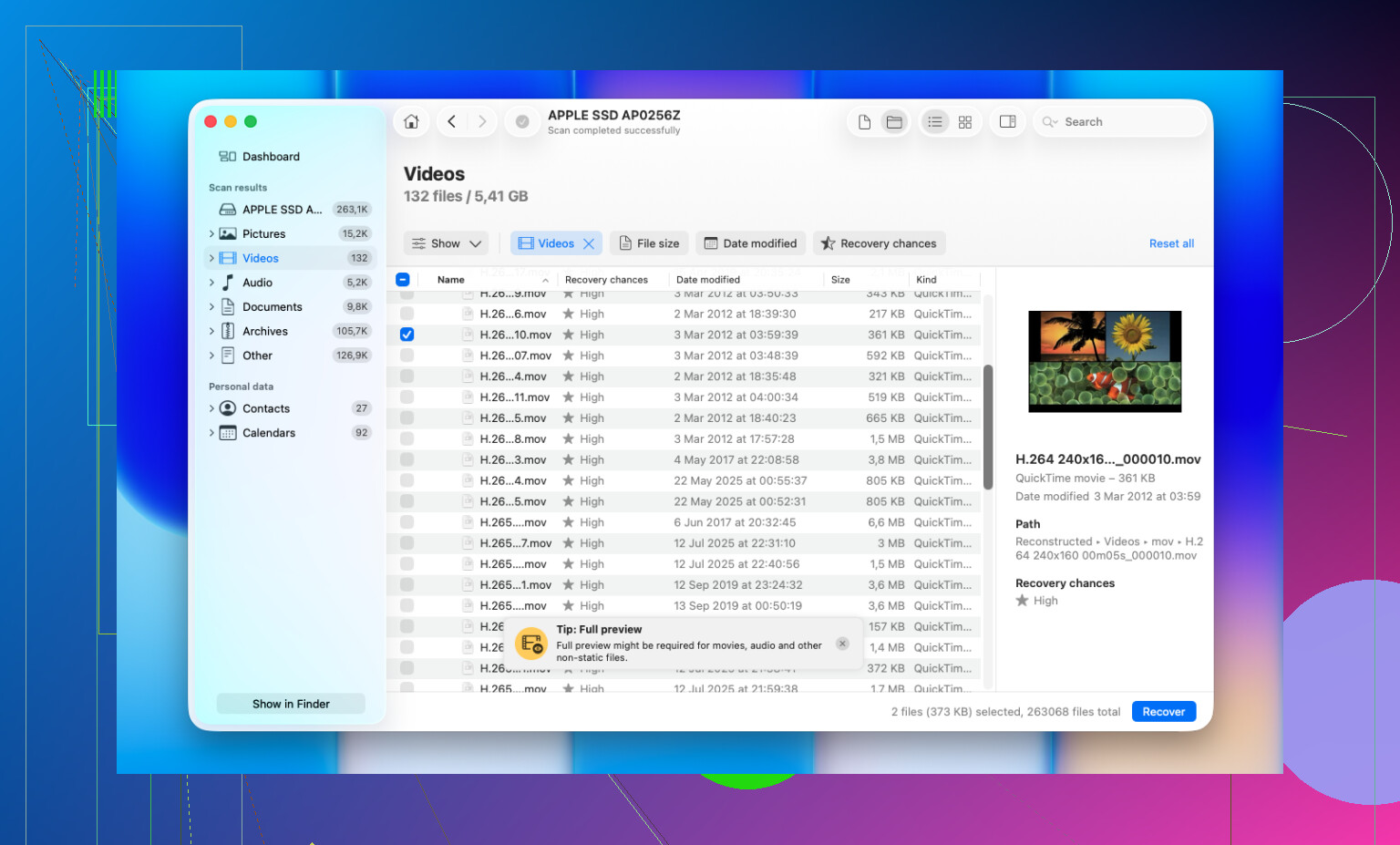
That said, if you want the safest mainstream option, Disk Drill is still the one I’d try first.
Pros of Disk Drill
- very easy UI on macOS
- good APFS support
- preview before recovery
- can create a backup image first
- works well for external drives, SD cards, USB storage
Cons of Disk Drill
- not magic on TRIM’d internal SSDs
- paid recovery for full use
- deep scans can return lots of clutter
- not as advanced as R-Studio for serious filesystem damage
My take compared with what @mikeappsreviewer mentioned: free tools are fine for experiments, but for deleted work files on a Mac, they usually cost more time than money saved. If this was an external drive, Disk Drill is a solid first pick. If it was the internal SSD and the files are critical, jump to a pro lab sooner rather than later.