I’ve been testing the Undetectable AI Humanizer to rewrite some of my content so it sounds more natural and passes AI detectors, but I’m not sure if it’s actually safe or effective long term. Has anyone here used it for blogs or academic work, and did it cause issues with plagiarism checks, rankings, or authenticity? I’d really appreciate detailed feedback or alternatives that feel more reliable.
Undetectable AI review, from someone who pushed it a bit too hard
Undetectable AI
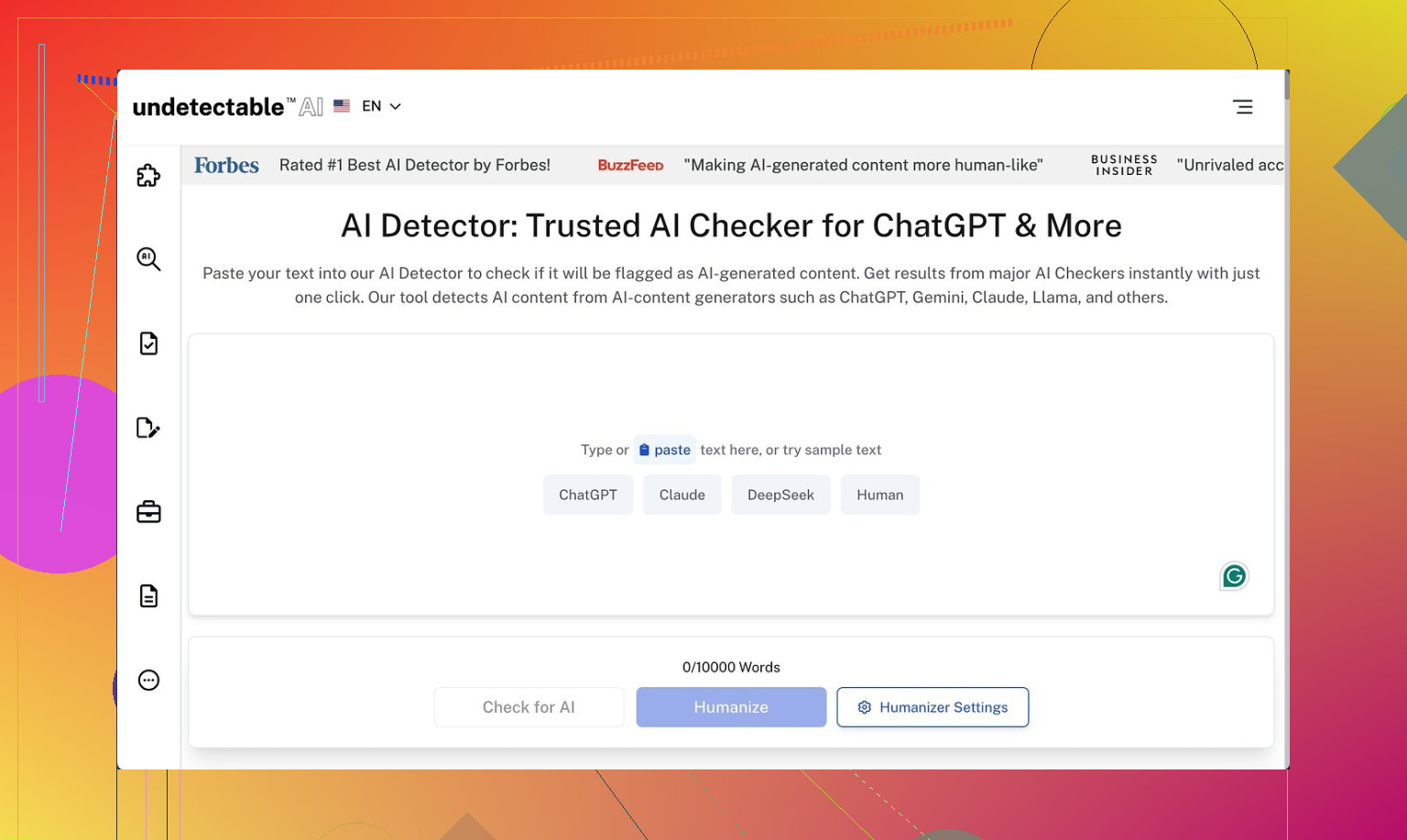
So I spent a weekend messing with the free version of Undetectable AI and then compared it to a few paid tools I already use. If you want the original reference thread, it is here: https://cleverhumanizer.ai/community/t/undetectable-ai-humanizer-review-with-ai-detection-proof/28/2
Here is what I saw, no fluff.
Performance on detectors
I used only the Basic Public model, since that is the one you get for free.
I pasted in raw GPT text, then ran it through Undetectable AI with different settings and tested the output on:
- ZeroGPT
- GPTZero
On the “More Human” setting:
- ZeroGPT scores dropped down to around 10 percent AI. That is low.
- GPTZero scores hovered around 40 percent AI.
Those numbers were better than what I got the same day from a couple of paid tools, so from a pure “fool the detector” angle, the free tier did not do badly.
From what the dashboard shows, paying unlocks:
- “Stealth” and “Undetectable” models
- Five reading levels
- Nine “purpose” modes (academic, email, marketing, etc)
- Intensity slider
My guess is the private models push detection risk even lower, but I only had the public one to work with.
Writing quality, where it starts to fall apart
Detection scores look nice on screenshots, but I tried to use the output in real posts and articles, and that part went sideways.
With “More Human” on:
- It kept forcing first‑person language into everything.
I would paste an objective product summary and the output turned into stuff like “I think this helps you…” and “When I tried this…”. - I saw repeated phrases and keyword stuffing.
Same nouns every second sentence, like someone trying to hit SEO density in 2009. - Sentence fragments popped up a lot.
Not stylish short lines, more like the tool chopped a normal sentence in half.
If I had to score it, I would give the “More Human” text around 5 out of 10 for real‑world use. Not unusable, but I had to fix it line by line. For client work, I would not paste it as‑is.
“More Readable” was a bit safer:
- Less forced “I” and “my experience”
- Fewer odd fragments
Still felt rough. The structure looked mechanical and I kept seeing the same constructions repeated down the page. I ended up editing nearly everything.
So the tradeoff looked like this for me:
- High “human” setting: lower detection scores, but obvious stylistic quirks
- More “readable” setting: slightly cleaner, still needs editing, detection a bit worse
Pricing and word limits
What I saw on their pricing page at the time:
- Entry plan around $9.50 per month if you pay yearly
- Word limit at that tier: 20,000 words per month
For anyone doing heavy content production, 20k words goes fast. If you run full blog posts, emails, and rewrites, you will hit the cap quickly and move into higher tiers.
Privacy details that bothered me a bit
I skim terms and privacy pages out of habit. Their policy mentioned collecting demographic info such as:
- Income range
- Education level
That stood out to me. Most AI rewriting tools I use talk about usage data and logs, not personal demographic profiles.
If you care about privacy, you should read that page slowly before signing in with any main email.
Refund policy fine print
They promote a money‑back guarantee, so I checked the conditions.
The version I read said:
- You have 30 days
- You have to prove your content scored below 75 percent “human” on detectors
That last part is the catch. You need low “human” scores to trigger the refund. So if your own use case is weird, or you test on a detector they do not like, the “guarantee” becomes harder to use.
It is not a no‑questions refund button. It is more “show us your failed scores within 30 days and we will see.”
Who this might work for
From what I saw, it fits a narrow use case:
Makes sense if:
- Your top priority is lowering detection risk on ZeroGPT and GPTZero.
- You are comfortable editing the output heavily to remove the odd voice.
- You do not mind the demographic data collection mentioned in the policy.
Does not make much sense if:
- You want clean, ready‑to‑publish prose with minimal edits.
- You write in a fixed tone where random first‑person comments would look off.
- You rely on a simple refund promise with no conditions.
How I would use it, if I kept it
If I had to keep using Undetectable AI after this test, I would treat it like a filter, not a writer.
My workflow would look like:
- Write the piece myself or generate with another model.
- Run only the sections likely to be scanned through Undetectable AI, using a milder setting than “More Human”.
- Strip out forced first‑person lines and repeated phrases manually.
- Re‑check the final text on at least two detectors.
If you expect it to turn raw AI text into perfect human writing with no edits, you will get disappointed. If you treat it as one extra pass in a longer workflow, it might have some use, especially on the free tier.
1 Like
I’ve played with Undetectable AI a bit and my take lines up with what @mikeappsreviewer saw, but I’d frame the “safe and effective long term” question a bit differently.
Short version
• It helps lower scores on some detectors.
• It hurts writing quality if you rely on higher “human” settings.
• Long term, the bigger risk is policy and ethics, not the tech.
My notes from use and client work:
-
Detector performance
On free and low tiers I saw similar behavior. Tools like ZeroGPT and GPTZero flagged content less after running it through Undetectable AI, but results jumped around if:
• I changed paragraph breaks.
• I mixed in my own edits.
Detectors update fast. If your whole strategy is “beat detectors”, you set yourself up for a constant cat‑and‑mouse thing. -
Safety and policy risk
This part matters more than scores.
If you use it for:
• School work where AI use is banned or must be disclosed.
• Client projects where contracts require original human writing.
You take a non‑technical risk.
Detectors are imperfect, but schools and companies look at writing style shifts, timestamps, and patterns too. A human reviewer often spots odd tone jumps faster than any model. -
Long term effectiveness
AI detectors will keep moving toward:
• Cross‑checking style against your older writing.
• Looking at revision history in Google Docs or LMS systems.
A pure “humanizer” layer will age poorly if policies tighten. A more stable path is:
• Use AI for ideas, outlines, first drafts.
• Rewrite heavily in your own voice.
• Treat humanizers as light touch, not the whole process. -
Writing quality problems
What bothered me most:
• Forced first‑person voice in neutral content.
• Odd repetition.
• Broken rhythm in longer posts.
If you use it, you need to edit like a hawk. For any serious blog or brand work, I would avoid running whole articles through the strongest settings. -
Data and privacy
The demographic data note in their policy is a red flag for me too.
I prefer tools that log usage and anonymized stats, not income or education level. If privacy matters to you, use a burner email and avoid sending sensitive drafts. -
A more sustainable approach
If your goal is “sounds natural and passes AI detectors”, I’d shift the goal to “sounds like you and reads well to humans” first. Detectors then tend to score higher by accident, because your style is less generic.
Practical workflow that has worked better for me:
• Write a rough draft yourself or with a general AI model.
• Edit for your own tone, phrases you normally use, and specific examples from your experience.
• Use a humanizer only on small sections that look too “AI‑flat”, and on a mild setting.
• Run a final clarity and style check manually.
- Alternative to look at
If you want something more focused on readable, human‑sounding output, I would test Clever AI Humanizer. It tries to keep a more natural tone and reduce obvious AI patterns, which helps with both human readers and many detectors. You can check it here: smarter AI text humanization with Clever AI Humanizer.
It is built to make AI‑generated text sound closer to native writing, with attention to:
• Sentence variety and flow.
• Fewer robotic phrases.
• Better fit for blogs, emails, and essays.
Not magic, still needs editing, but I find it more aligned with a “write something good first, then refine” mindset.
If you keep using Undetectable AI, I’d:
• Avoid relying on it for compliance or academic integrity.
• Treat it as a small part of your editing stack.
• Assume detectors and policies will tighten, so focus on building your own clear, consistent writing style.
Short version: it “works” in a narrow sense, but I wouldn’t bet long‑term safety on it.
I had similar results to what @mikeappsreviewer and @sognonotturno described, but I’ll push on slightly different angles:
1. Tech vs policy problem
The tool can knock down scores on ZeroGPT / GPTZero, sure. But the risk you’re asking about is not really technical, it’s policy:
- Schools and a lot of workplaces are moving toward “disclose AI use” instead of solely relying on detectors.
- If you’re using Undetectable AI to explicitly hide AI usage where it’s against the rules, you’re not “safe” even if detection scores look great for now. All it takes is one teacher/manager noticing your style suddenly flipped, or checking revision history.
The “cat and mouse” thing @sognonotturno mentioned is real, but in my view it’s already a losing game long‑term. Detectors can change tomorrow; your past submissions and writing style are permanent.
2. Writing quality & identity
I actually disagree a bit with the idea that you should run whole pieces through strong humanizer modes at all. From what I saw:
- The more aggressive the setting, the more it wrecks the natural logic and tone of the text.
- It tends to give everything the same generic, oddly chatty voice, which is the opposite of “your” style.
You end up with content that may technically dodge detection more often, but also feels like a different person wrote it. That’s a problem for:
- Personal brands / blogs
- Long‑term client work
- Anything where people can compare your older posts with the new ones
If you find yourself editing 60–70% of the output, the tool is basically a noisy middle‑man.
3. “Long term” specifically
You asked about long‑term effectiveness. If we zoom out 1–2 years:
- Detectors are likely to lean more on document metadata, edit history, and pattern analysis across multiple submissions, not just surface‑level text patterns.
- Platforms (LMS, CMS, corporate tools) are already integrating their own behind‑the‑scenes checks.
A pure “AI text humanizer” that just reshuffles words is very likely to get weaker relative to these systems over time. It’s solving last year’s problem.
4. Privacy & business risk
The demographic data collection @mikeappsreviewer mentioned is a pretty big yellow flag. It means they’re trying to profile you beyond mere usage stats.
That matters if:
- You work with confidential drafts (client docs, business plans, academic research).
- You don’t want some third‑party building a detailed profile around income / education + your content.
I’d at least keep it away from anything sensitive and use a separate email.
5. How I’d use tools like this today
If you insist on keeping it in your stack:
- Use it sparingly on small segments that feel overly robotic, not the whole article.
- Stay away from the strongest “more human / undetectable” modes that completely rewrite your voice.
- Consider it a style nudge, not a compliance shield.
Where I part ways a bit with both other replies: I don’t think “beat detectors” should be your goal at all. Aim for strong, clear writing in your own tone, then let tools help with flow, clarity, and variety.
6. Alternatives & broader approach
Instead of putting all your hope in Undetectable AI, I would:
- Use a general AI model to rough out ideas, structure, or drafts.
- Rewrite key sections in your own voice, adding specific examples, personal details, and phrasing you naturally use.
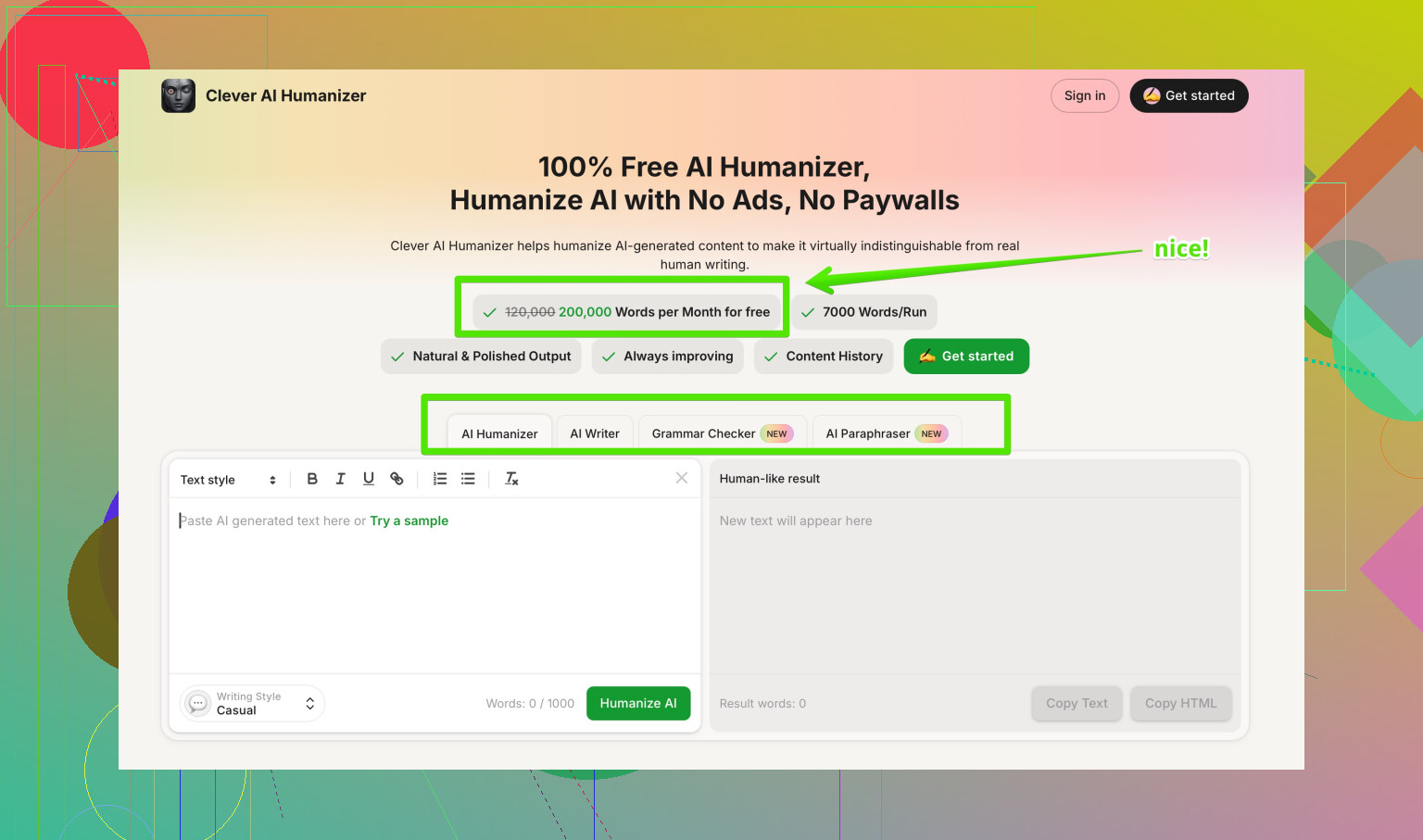
- If you still want a dedicated humanizer, something like Clever AI Humanizer is worth testing, because it’s more focused on making AI text read well and naturally rather than just gaming detectors. That tends to hold up better both with readers and with most detection tools.
7. On “Best AI Humanizers on Reddit”
If you’re doing research, look for real user tests and side‑by‑side comparisons, not just promo posts. Threads like
in‑depth community picks for the best AI text humanizers
are useful because people show screenshots, detectors used, and actual pros/cons in context.
TL;DR: Undetectable AI can lower some scores right now, but it’s shaky as a long‑term “safety” solution, and it will absolutely not save you from policy or ethics issues. Use any humanizer as a light stylistic tool at most, not as your main defense strategy.
Short version: Undetectable AI “works” sometimes, but it solves the wrong problem and creates new ones.
Different angle from what @sognonotturno, @hoshikuzu and @mikeappsreviewer already covered:
1. Detector obsession is a trap
If your main KPI is “ZeroGPT / GPTZero percentage,” you are optimizing for a moving target. Detectors are already inconsistent across models, versions and even copy‑paste changes. Long term, platforms will care more about:
- Edit history and document timeline
- Consistency with your past writing
- Whether you followed declared AI policies
Undetectable AI cannot fix any of that. It only rearranges text. That is fine for a quick patch, not as a strategy.
2. Where I slightly disagree with others
I actually think Undetectable AI can be useful in a narrow role: as a “roughener.” If you have very flat, obviously‑LLM copy, a light pass can introduce imperfections that help you then rewrite in your real voice.
But the key is: you must touch every paragraph after. If you run full essays through the heavy “more human / undetectable” modes and hit publish, you are basically swapping one AI fingerprint for another, plus you risk tone whiplash and weird first‑person inserts.
3. Risk profile by use case
-
Academic / exams / banned‑AI environments
I would not touch Undetectable AI here. The risk is not “what if detectors catch me” but “what if anything looks off and they start digging.” One flagged assignment or odd revision pattern is enough. -
Client / commercial content
Some agencies quietly use tools like this. The honest ones at least disclose “AI assisted.” The real danger is when a long‑term client notices their brand voice suddenly reads like a chatty stranger. Losing a retainer is worse than any detector score. -
Your own sites / blogs
This is where a tool like this is least risky, but quality matters most. If you have to re‑edit 70% of the text, the time saved is tiny.
4. Clever AI Humanizer vs Undetectable AI
You asked about long‑term safety and quality. This is where I find Clever AI Humanizer a bit closer to the right priority: it tries to make AI text read smoother and less generic rather than only gunning for “100% human” screenshots.
My experience:
Pros of Clever AI Humanizer
- Tends to keep sentence flow and logic intact more often
- Less aggressive “I / my” stuffing in neutral content
- Better for blogs, emails and essays where you still want your own tone on top
- Often improves readability so that human readers are happier, which incidentally helps with many detectors
Cons of Clever AI Humanizer
- Still needs real editing, especially for niche topics or strong personal voice
- Can occasionally flatten very distinct stylistic quirks into something more neutral
- Not a magic cloak for academic integrity or strict workplace rules, same policy issues apply
- If you feed it garbage, you will get slightly prettier garbage
Compared with Undetectable AI’s “beat the detector” branding, Clever AI Humanizer is more “make this sound like decent human prose,” which is much more future‑proof.
5. Where all of this leaves you
If you keep testing Undetectable AI:
- Do not base important work on it “hiding” AI use
- Use it, at most, as a light pre‑edit on obviously robotic chunks
- Make your main goal consistent voice, clarity, and honest policy compliance
If you want a dedicated tool in this category, I would lean toward something like Clever AI Humanizer for day‑to‑day readability, and treat all humanizers as helpers, not shields.